Directed text-to-video
Create a focused campaign, product, portrait, or environmental shot from a detailed motion brief.
Seedance 2.0 multimodal video workflow
Direct Seedance 2.0 video from text, first frames, or supported references with duration, resolution, audio, and output controls.
Input mode
01 / 03Text-to-video allows the model to invent the scene. A first frame anchors opening composition and identity. Reference-guided modes should be used only when the source adds a clear visual, movement, or timing requirement.
Name every source role and protected property. More media can increase ambiguity when images, motion, or audio examples conflict with one another.
Motion controls
02 / 03Design the composition for the selected aspect ratio and give one action enough time to finish. Resolution, duration, input media, audio, final-frame output, and other controls can affect the quote.
Request the protected amount after every price-relevant choice is final. Seedance 2, 2.5, Fast, and Mini use separate model entries and should not share an assumed price.
Clip approval
03 / 03Watch once for subject identity, once for camera, once for environmental continuity, and once for audio. Note the exact time of any geometry change, edge artifact, sudden speed shift, or synchronization problem.
Use the persisted Library file for review. Preserve successful controls and make one targeted change to the prompt or source for the next attempt.
Production-verified output
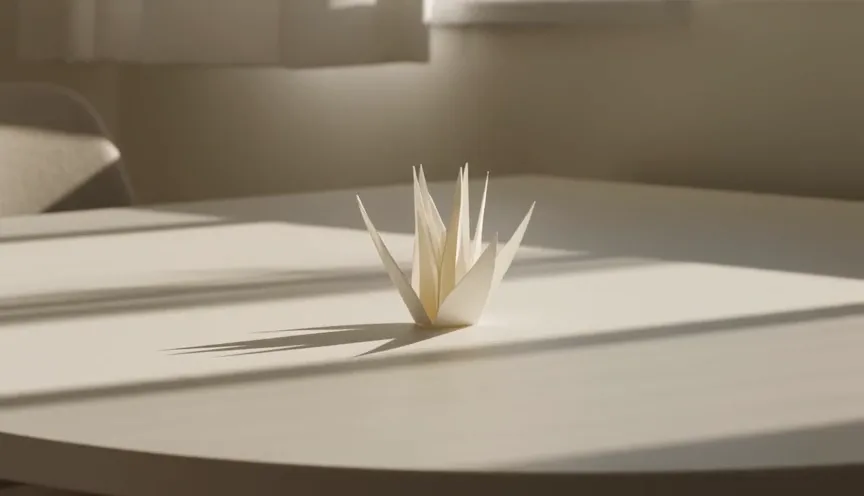
Public brief summary: one controlled continuous shot used to verify provider submission and video output handling; the complete acceptance prompt remains private.
Provider task succeeded with one video output during the documented production acceptance. This single production acceptance proves the connected task path, not universal motion quality, continuity, audio quality, or repeatability for every shot.
Seedance 2.0 is also commonly searched as Seedance 2. CreateForge consolidates those names on one canonical video model page and keeps Fast, Mini, and 2.5 as separate production entries.
Choose the input mode according to the source, then describe subject motion, camera motion, environment, pace, endpoint, and sound as distinct parts of one shot. Configure duration and output controls before quoting.
CreateForge validates input media and persists eligible successful output in the private Library. Review the full clip for identity, continuity, geometry, edge behavior, and audio timing.
Seedance 2.0 use cases
Create a focused campaign, product, portrait, or environmental shot from a detailed motion brief.
Animate an approved first frame while protecting subject identity, geometry, composition, and palette.
Use supported images, video, or audio to communicate visual and temporal constraints for a shot.
Generation controls
Describe the video to create with Seedance 2.0.
Choose the input workflow before adding reference media.
Text to Video · Frames to Video · Reference to Video
Accepts up to 1 image file.
Accepts up to 1 image file.
Accepts up to 9 image files.
Accepts up to 3 video files with a 15 second combined limit.
Accepts up to 3 audio files with a 15 second combined limit.
Choose a supported output frame with visual ratio cards.
Adaptive · 16:9 · 9:16 · 1:1 · 4:3 · 3:4 · 21:9
Your selected resolution is included in the credit price.
480P · 720P · 1080P · 4K
Choose 4–15 seconds in Video Settings.
Prompt blueprint
A matte orange speaker stands centered on a pale stone plinth. It remains still while the camera makes one slow clockwise orbit and a narrow light travels across the surface, product shape and label remain stable, soft room ambience and one subtle mechanical click, no cuts or text.
Separates camera, light, product stability, and sound into reviewable layers.
Use the supplied portrait as the exact opening identity and composition. The subject looks up, turns slightly toward the window, and holds a calm expression while the camera pushes in gently, face and wardrobe remain stable, soft rain ambience, no dialogue or cut.
Defines one emotional action while protecting identity and source composition.
Related guides
Video guide
Plan a Seedance 2 video from text, an opening frame, or reference media with clear motion, aspect ratio, audio, quote, and result-review decisions.
Read guideWorkflow
Use Seedance 2 image to video with a deliberate first frame, bounded motion, continuity rules, current production controls, protected quotes, and saved results.
Read guidePrompt library
Twelve Seedance 2 prompt examples for product motion, portraits, environments, image-to-video, camera movement, audio timing, and short narrative shots.
Read guidePricing guide
Plan Seedance 2 credits across text, first-frame, and reference workflows with current model facts, parameter-aware quotes, iteration budgets, and settlement.
Read guideSeedance 2.0 FAQ