Portrait AI image prompts
Build identity, expression, lens, light, background, and retouching notes into one reviewable prompt.
Explore practical AI image prompts and model-specific prompt libraries for products, portraits, anime, cinematic images, logos, edits, and short video workflows.
Build identity, expression, lens, light, background, and retouching notes into one reviewable prompt.
Describe material, scale, surface behavior, set design, camera angle, and the commercial use case.
Control character details, line style, color keys, shot framing, and what should stay consistent across variants.
Use shot language, lighting direction, motion clues, atmosphere, and grading notes for film-like results.
Define symbol, typography direction, negative space, color limits, and what must remain legible at small sizes.
Turn the image prompt into one timed action with camera movement, duration, audio notes, and a clear end frame.
Model prompt libraries
gpt-image-2
Build a GPT Image 2 prompt with 12 practical examples for products, editorial images, typography, portraits, reference edits, and campaign assets.
Open prompt librarynano-banana
Twelve Nano Banana prompts for products, portraits, social visuals, restyling, background replacement, material edits, and reference-guided image work.
Open prompt librarynano-banana-pro
Twelve Nano Banana Pro prompt examples for detailed product, advertising, editorial, architectural, reference-editing, and high-resolution delivery workflows.
Open prompt librarynano-banana-2
Twelve Nano Banana 2 prompts for product imagery, campaigns, portraits, reference edits, presentation boards, materials, social graphics, and concept work.
Open prompt libraryseedance-2
Twelve Seedance 2 prompt examples for product motion, portraits, environments, image-to-video, camera movement, audio timing, and short narrative shots.
Open prompt library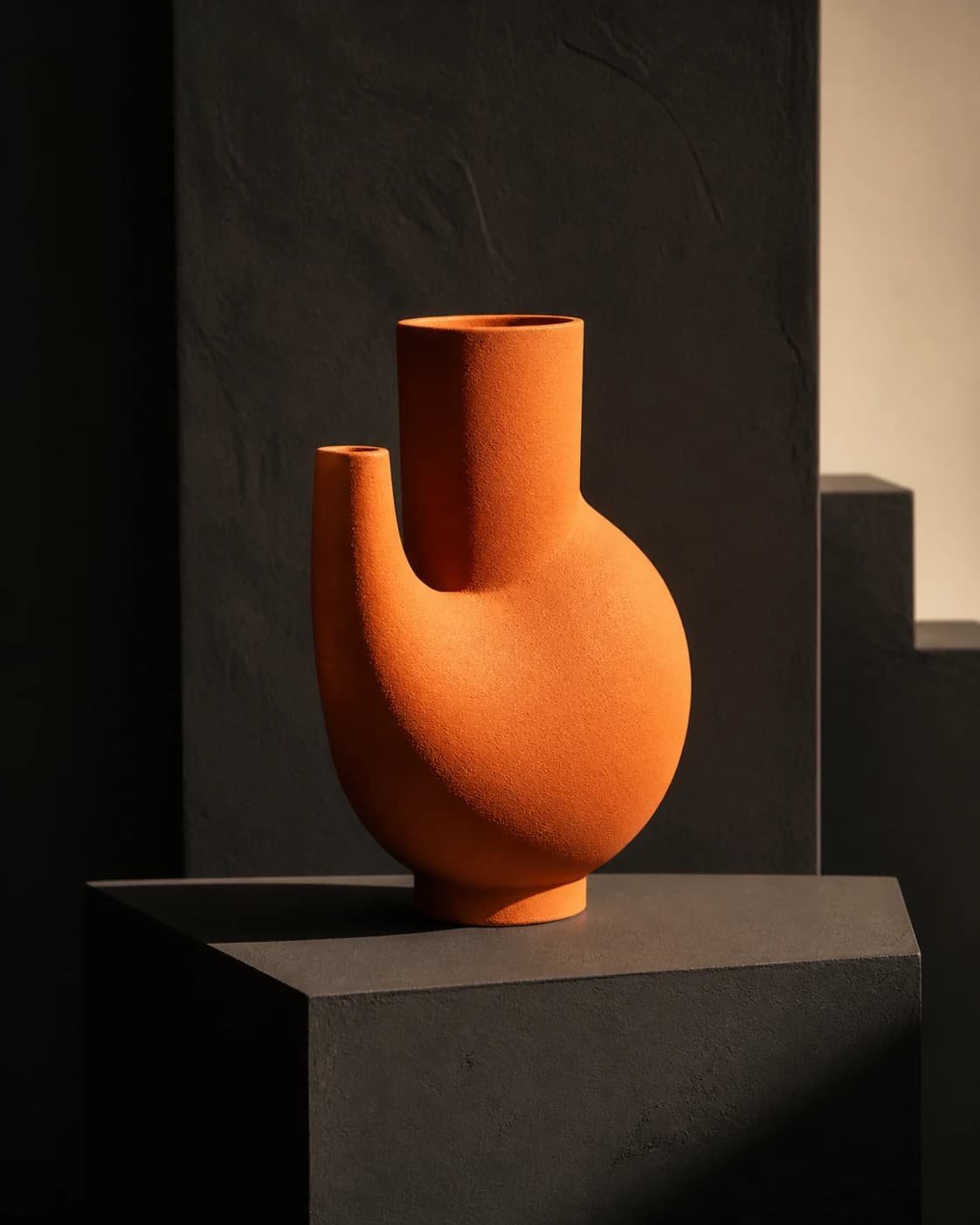
A sculptural orange ceramic vessel on a charcoal plinth, hard side light, precise shadow, premium editorial product photography
Use this prompt structure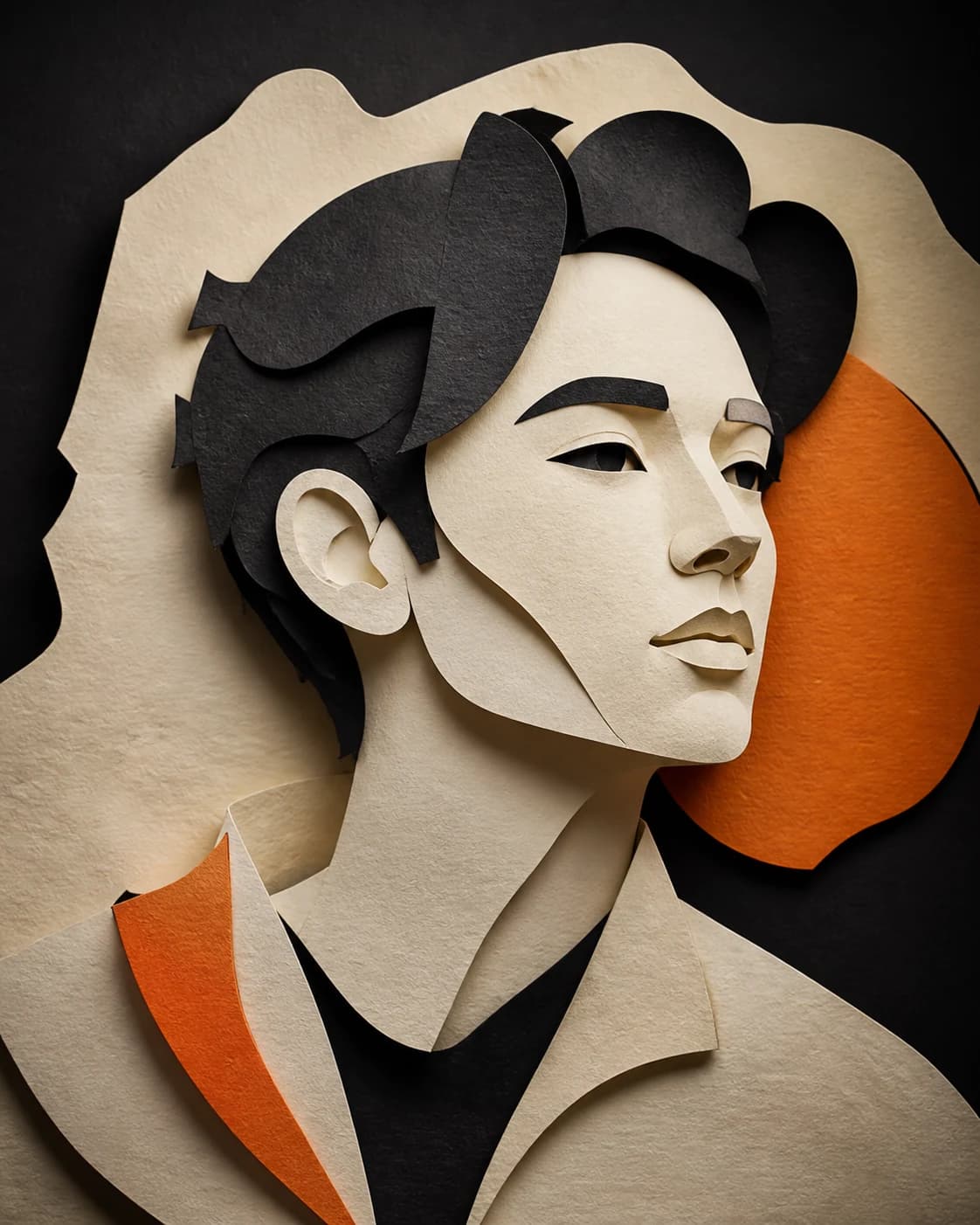
Editorial paper-cut portrait, warm ivory stock, charcoal contours, one forge-orange accent, tactile layered edges, gallery lighting
Use this prompt structure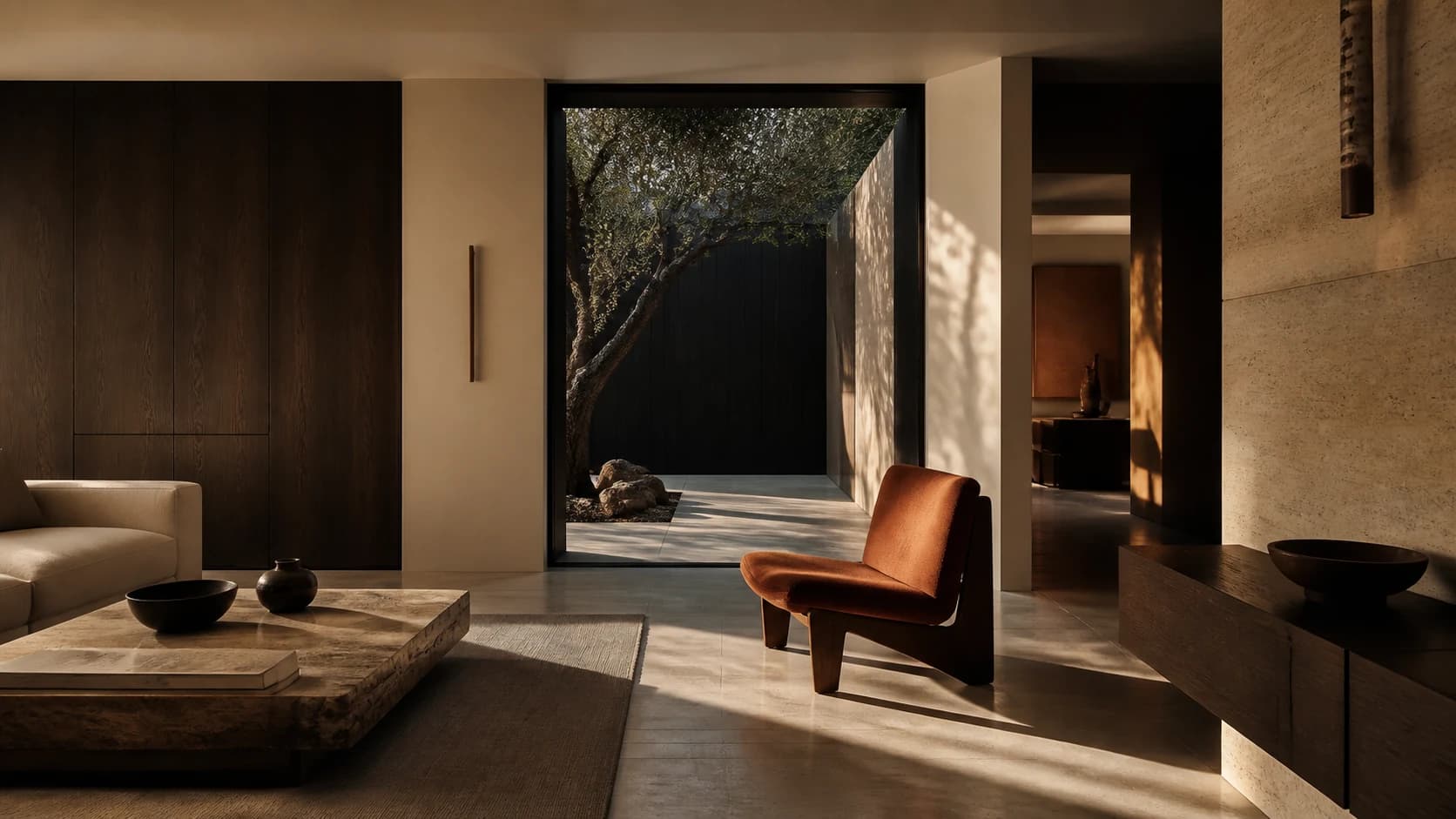
Quiet modern interior, warm limestone and dark timber, low afternoon sunlight, restrained styling, architectural magazine composition
Use this prompt structure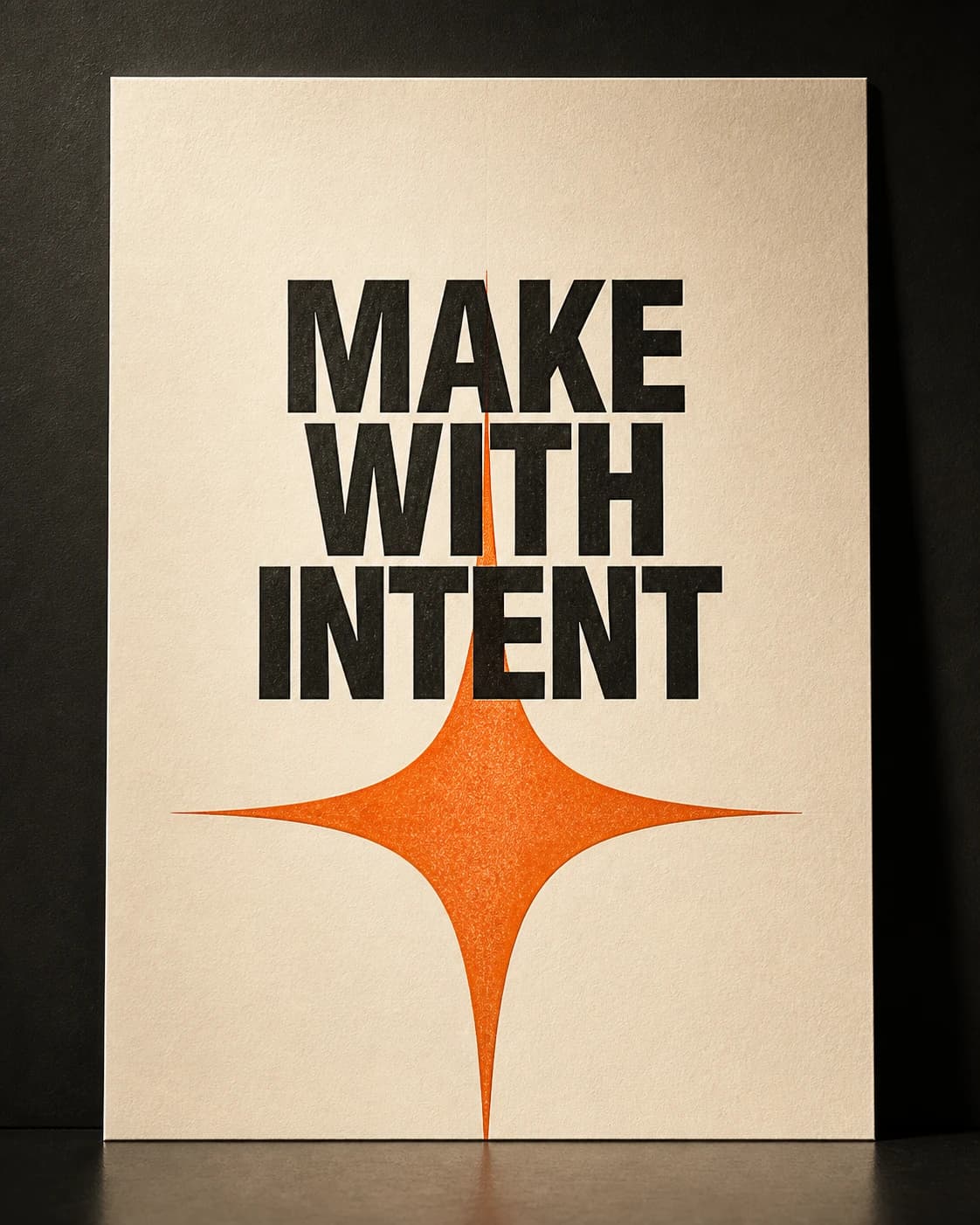
Minimal editorial poster with the words ‘MAKE WITH INTENT’, bold Swiss typography, warm ivory paper, charcoal ink, one orange spark
Use this prompt structurePrompt anatomy
Name the main subject, what it is doing, and the one visual fact that cannot be lost.
Define framing, perspective, lens language, negative space, and where the eye should land.
Describe direction, softness, time of day, surfaces, texture, and the way materials react to light.
Close with the intended medium, color system, editorial context, typography, and level of polish.
Compare the available model, or use the field guide to evaluate control, iteration cost, and durable results.