Detailed campaign art
Create product, fashion, and editorial imagery that will receive close visual review.
Seedream 5.0 Pro image workflow
Create Seedream 5.0 Pro images and edits with private references, production quality modes, output formats, and parameter-aware quotes.
Model selection
01 / 03Use Seedream 5.0 Pro when the project values its connected quality and format controls or when a controlled test shows that it reaches the acceptance bar more efficiently. The family name alone is not evidence that every task should use Pro.
For a fair comparison, keep the deliverable, prompt, references, frame, and review checklist stable. Record total attempts and repair work, not only the minimum quote displayed for one generation.
Reference editing
02 / 03Identify which source defines product shape, face, camera, or layout. Put those preservation rules before the environment, wardrobe, material, or style change and remove any reference that does not contribute a distinct constraint.
Review the result against the source before judging polish. A visually attractive image can still fail if a protected logo position, silhouette, facial feature, or spatial relationship has drifted.
Quality and delivery
03 / 03Select basic or high according to the current stage, then choose the available file format for the next workflow. These controls are validated by the production adapter and may affect the protected quote.
Inspect the Library file at delivery size and full size. Check fine edges, repeated patterns, text, reflections, and material continuity before the image is approved for public use.
Production-verified output
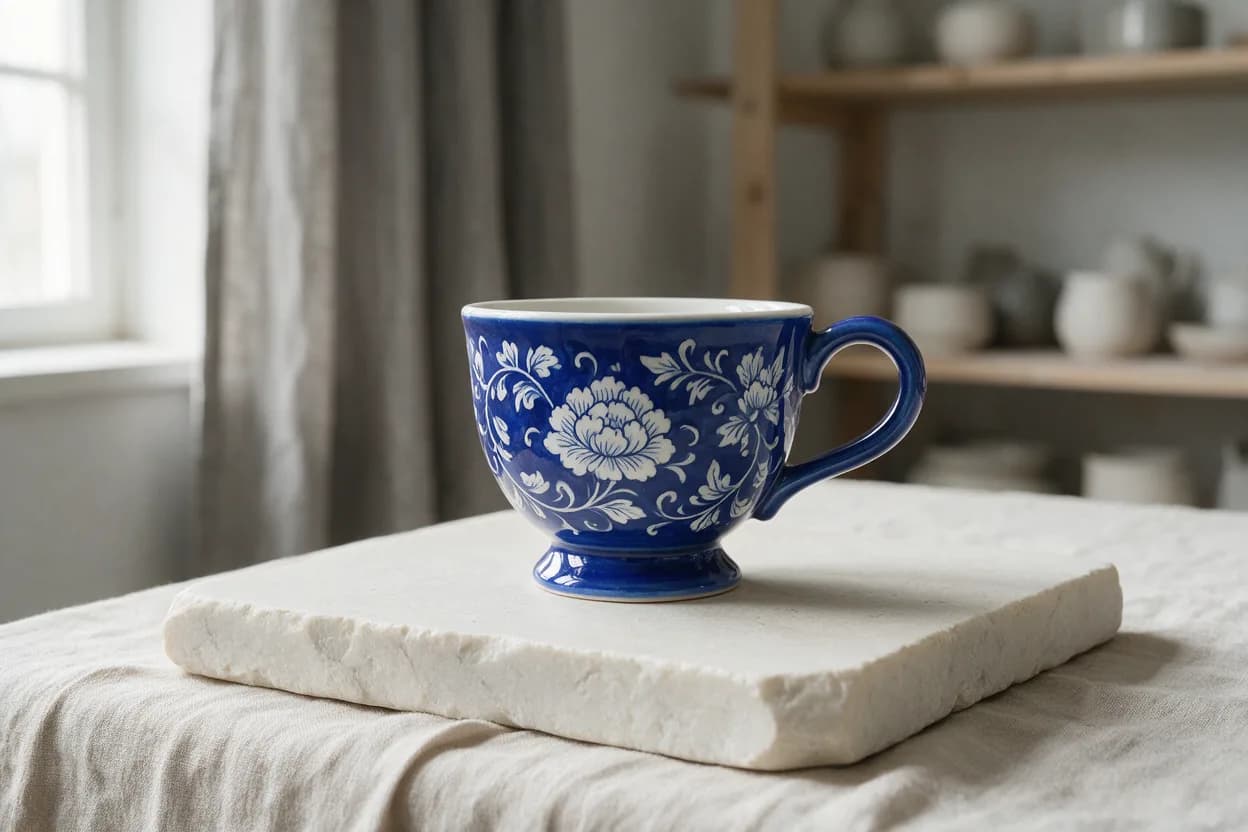
Public brief summary: a controlled studio composition used to verify provider submission and image output handling; the complete acceptance prompt remains private.
Provider task succeeded with one image output during the documented production acceptance. This single production acceptance proves the connected task path, not universal quality, prompt accuracy, or repeatability for every image brief.
Seedream 5.0 Pro is the higher-positioned Seedream 5 production entry in CreateForge. It supports new compositions and reference-guided edits with explicit quality and output-format controls.
The model should be chosen for a concrete delivery requirement rather than from the Pro label alone. Compare it with Lite using the same prompt, references, frame, and acceptance criteria when cost or quality is part of the decision.
The production adapter validates every input before quoting and stores eligible successful output in the private Library after reconciliation.
Seedream 5.0 Pro use cases
Create product, fashion, and editorial imagery that will receive close visual review.
Change environments, materials, or color systems while preserving approved identity and layout.
Choose a connected quality and output format based on the next design, review, or publishing step.
Generation controls
Describe the image to create with Seedream 5.0 Pro.
Choose the input workflow before adding reference media.
Text to Image · Image to Image
Accepts up to 10 image files.
Choose a supported output frame with visual ratio cards.
1:1 · 4:3 · 3:4 · 16:9 · 9:16 · 2:3 · 3:2 · 21:9
Choose how many results to create. Each completed result is saved to your Library.
1 · 2 · 3 · 4
Prompt blueprint
Create a detailed studio hero of a rigid skincare carton and glass bottle, exact three-quarter camera, pale limestone platform, soft overhead light and narrow warm rim, accurate folds and glass thickness, charcoal background with clean left copy space, no text.
Defines small package and material details that should be inspected at full size.
Use the supplied object as the exact geometry and viewpoint reference. Preserve seams, openings, proportions, and shadow direction. Change only the shell to bead-blasted silver metal with realistic microtexture and consistent highlights, neutral studio background.
One bounded material change makes reference fidelity easy to evaluate.
Seedream 5.0 Pro FAQ