Best AI image model for real creative work
Find the best AI image model for a real deliverable by comparing reference control, typography, resolution, iteration cost, repeatability, and saved results.
By CreateForge Editorial · Reviewed 2026-08-18
Independent editorial cover. The uncropped provider-verified output and its production context appear below.
The best AI image model is the one that meets a defined delivery standard with repeatable controls, acceptable revision cost, and a result the team can actually approve. Choosing an AI image model by launch demos alone usually creates an expensive second round of testing. A production decision starts with the asset that must be delivered: its dimensions, required text, reference material, visual consistency, review standard, and the amount of iteration the project can absorb.
CreateForge puts model controls, current credit quotes, generation status, and saved results in one workflow. That makes it possible to compare models using the same brief and judge the complete path to a usable asset instead of selecting whichever example image looks most dramatic in isolation.
Production evidence
Provider-verified output behind this guide
The displayed output comes from the documented production acceptance. Prompt pages provide reusable templates below; they do not claim that every template produced this one evidence image.
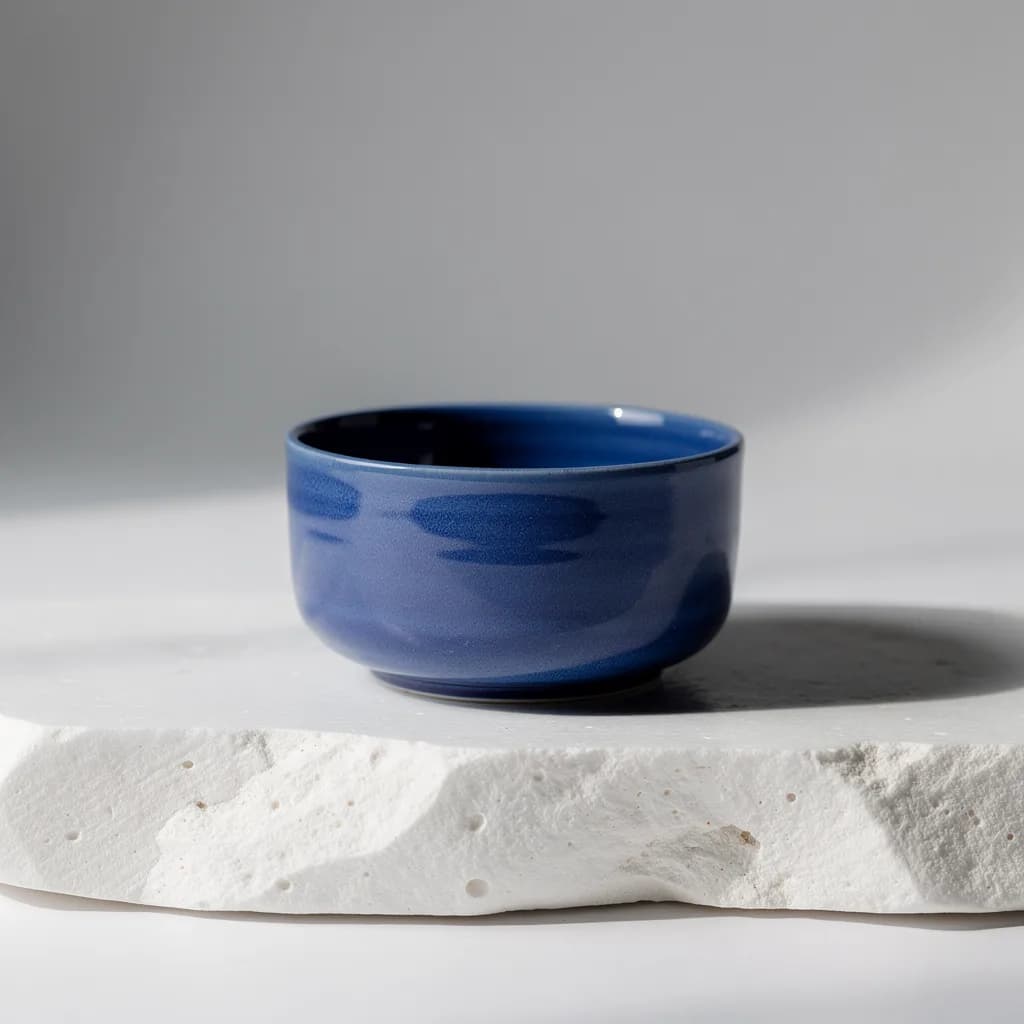
Provider-verified production output
Public brief summary: a controlled studio composition used to verify provider submission and image output handling; the complete acceptance prompt remains private.
- Verified
- 2026-08-17T07:23:03.174Z
- Settings
- text-to-image workflow · 1:1 · 1K
- Result
- Provider task succeeded with one image output during the documented production acceptance.
01
Best AI image model: define the finished asset first
Write a short acceptance checklist before opening a generator. Identify the final channel, aspect ratio, subject, required brand elements, typography, reference images, and whether the image must support later editing. A square concept image and a campaign header may use the same subject, but they create different composition and resolution requirements.
Separate requirements from preferences. Product shape, exact packaging color, negative space for a headline, and a legible phrase may be requirements. Lens character, mood, and surface styling are usually preferences. This distinction tells you which model controls deserve the most weight and which details can be adjusted during later iterations.
- Record the delivery size, crop, file format, and review deadline before testing.
- List the visual details that must remain stable across every acceptable result.
- Decide whether text generation, reference editing, or pure exploration is the primary task.
02
Compare control and repeatability, not a highlight reel
A model can produce one excellent showcase image while still being difficult to direct repeatedly. Use one controlled brief across candidates, keep the evaluation criteria stable, and change only the parameters each model genuinely requires. Compare subject fidelity, spatial composition, reference adherence, typography, surface detail, and the number of attempts needed to reach the quality bar.
Review the available controls as part of the model rather than as an afterthought. Reference limits, aspect ratios, resolution tiers, output formats, and editing modes affect whether a model fits the job. CreateForge exposes only the parameters supported by the connected production adapter, so the displayed form is a more reliable planning source than an unrelated demo prompt.
03
Measure the cost of a usable result
The minimum generation quote is not the total creative cost. A less expensive attempt becomes costly when it needs many retries, produces unusable typography, ignores the reference, or forces manual reconstruction. Track attempts to approval, repair time, and the share of outputs that meet the brief. Those numbers reveal the effective cost of a finished asset.
Use the protected quote shown immediately before generation rather than copying an old number from an article or screenshot. Resolution, duration, reference media, output count, and native audio can change the quote. CreateForge binds the quote to the selected model and parameters, then releases reserved credits after a clear failed task instead of treating failure as a completed delivery.
04
Run one disciplined model test
Prepare one prompt, one reference set, and a scorecard with five or six criteria. Generate with each compatible model, save the output, and score it before changing the prompt. A controlled first pass shows which model understands the original brief; later prompt tuning shows how efficiently each candidate responds to direction.
Keep the prompt, result, selected controls, quoted credits, and notes together. The private Library preserves successful CreateForge outputs after temporary provider links expire, making later review less dependent on memory. Choose the model that produces the strongest repeatable workflow for the deliverable, not the model with the most recognizable name.
Live catalog data
Current CreateForge model facts
These values are rendered from the production Catalog and generator Blueprint. The protected quote shown in the model workspace remains authoritative for a specific request.
FLUX 2 Pro
Black Forest Labs
- Modes
- Text to Image
- Resolution
- 1K, 2K
- Aspect ratios
- 1:1, 4:3, 3:4, 16:9, 9:16, 3:2, 2:3
- Duration
- Still image
- Input roles
- Text prompt only
- Native audio
- No generated audio control
- Output formats
- Provider default
- Current minimum
- 5 CreateForge credits
- Pricing verified
- 2026-08-28
GPT Image 2
OpenAI
- Modes
- Text to Image, Image to Image
- Resolution
- 1K, 2K, 4K
- Aspect ratios
- Auto, 1:1, 3:2, 2:3, 4:3, 3:4, 5:4, 4:5, 16:9, 9:16, 2:1, 1:2, 3:1, 1:3, 21:9, 9:21
- Duration
- Still image
- Input roles
- Reference images: up to 16
- Native audio
- No generated audio control
- Output formats
- Provider default
- Current minimum
- 3 CreateForge credits
- Pricing verified
- 2026-08-28
Nano Banana Pro
- Modes
- Text to Image, Image to Image
- Resolution
- 1K, 2K, 4K
- Aspect ratios
- Auto, 1:1, 16:9, 9:16, 3:2, 2:3, 4:5, 5:4, 3:4, 4:3, 21:9
- Duration
- Still image
- Input roles
- Reference images: up to 8
- Native audio
- No generated audio control
- Output formats
- png, jpg
- Current minimum
- 8 CreateForge credits
- Pricing verified
- 2026-08-28
FAQ
Common questions
Is there one best AI image model?
No single model leads every task. The best choice depends on the required output, reference control, typography, resolution, iteration budget, and the amount of repair the result needs.
Should I compare models with the same prompt?
Start with the same controlled brief and evaluation criteria, then make only the model-specific adjustments required by the available controls. This preserves a meaningful baseline.
Does a lower credit quote always mean a cheaper image?
Not necessarily. Effective cost includes failed attempts, manual repair, and the number of generations needed to produce one approved result, not only the quote for a single attempt.
Continue in CreateForge
Move from research to the connected workflow.
Open the exact production model, review the current controls and quote, or compare the wider tool catalog before submitting a task.
Related guides
Model guide
How to use GPT Image 2 in CreateForge
A production-focused walkthrough for creating and editing images with GPT Image 2, including references, resolution choices, prompt structure, quoting, and result review.
Model guide
How to use Nano Banana Pro for high-resolution image work
A practical Nano Banana Pro guide covering text and reference workflows, prompt hierarchy, resolution planning, output format, quotes, and final quality review.
Prompt library
GPT Image 2 prompt examples for practical image work
Build a GPT Image 2 prompt with 12 practical examples for products, editorial images, typography, portraits, reference edits, and campaign assets.