Product concepts
Explore materials, colorways, packaging, and studio compositions before a physical shoot or 3D production begins.
Precision image forge
Production-grade image generation with precise prompt following, typography, and cinematic detail.
Text-to-image workflow
01 / 03FLUX 2 Pro is connected as a focused text-to-image workflow. Start with the deliverable and subject, then define composition, camera, light, material, palette, and finish. The model is most useful when those choices describe one reviewable image rather than several unrelated concepts in the same prompt.
Choose the output frame for the final placement and select 1K or 2K before requesting the protected quote. Resolution changes the current cost, so early concept work and final delivery do not have to use the same setting.
Prompt control
02 / 03Describe where the subject sits, how large it appears, where negative space belongs, and which light creates the visible form. Concrete spatial language gives the model a stronger hierarchy than a list of broad style labels.
When an image contains copy, provide the exact words in quotation marks and state placement, scale, contrast, and type character. Generated text still requires human review and may be safer to replace in a design tool when exact publication copy is required.
Delivery
03 / 03CreateForge validates the selected ratio and resolution, issues a short-lived protected quote, and reserves the corresponding credits only when generation is submitted. Clear failures release the reservation; uncertain external submissions are reconciled instead of blindly retried.
Eligible successful output is saved to the private Library after storage completes. Review geometry, small text, materials, shadows, and crop at the intended delivery size, then keep the approved prompt and controls with the saved asset for later adaptations.
Production-verified output
Public brief summary: a controlled studio composition used to verify provider submission and image output handling; the complete acceptance prompt remains private.
Provider task succeeded with one image output during the documented production acceptance. This single production acceptance proves the connected task path, not universal quality, prompt accuracy, or repeatability for every image brief.
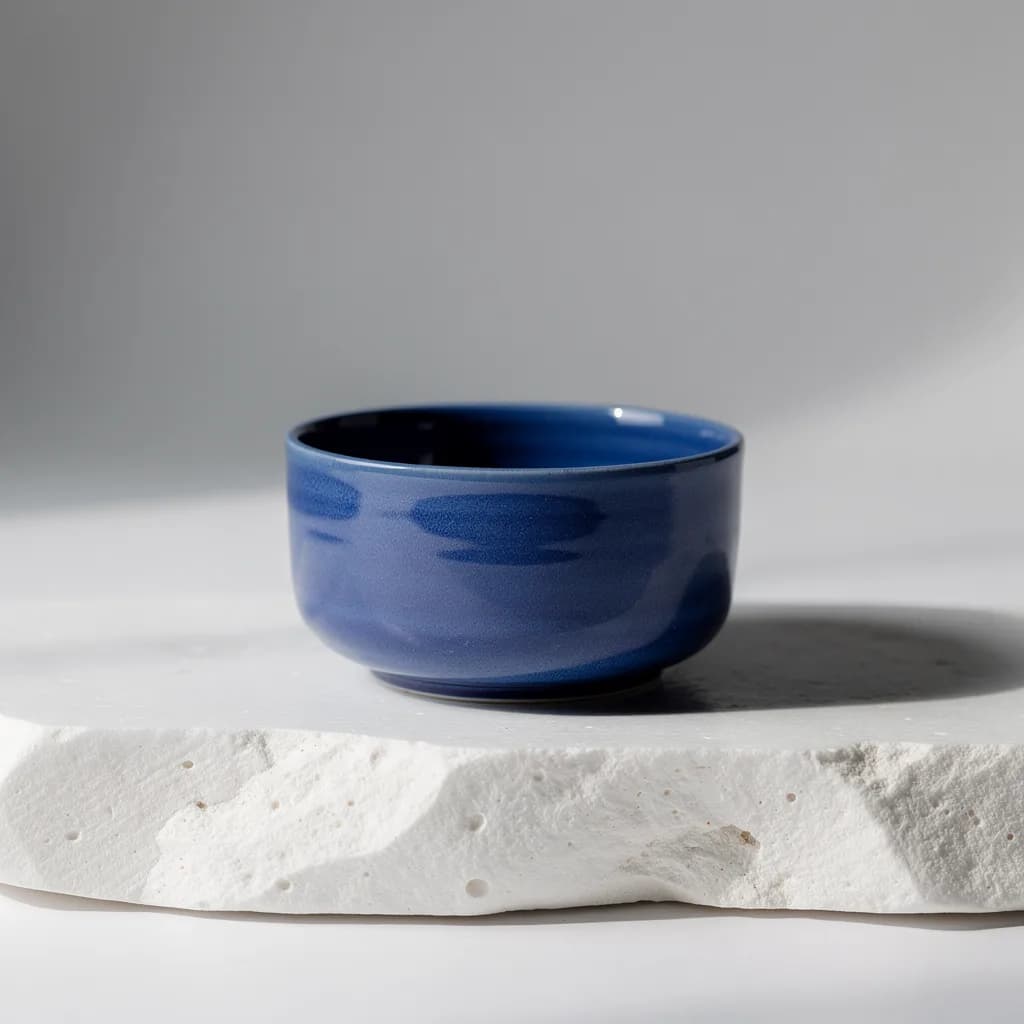
FLUX 2 Pro is the image model currently connected to CreateForge. It is suited to polished campaign visuals, product concepts, key art, and compositions that need careful prompt following.
The current text-to-image workflow accepts a prompt and one of seven aspect ratios, supports 1K or 2K output, and charges the published Kie credit amount for the selected resolution.
CreateForge tracks the generation job, stores a successful result in a private library, and settles credits only after the final asset is saved.
FLUX 2 Pro use cases
Explore materials, colorways, packaging, and studio compositions before a physical shoot or 3D production begins.
Build a clear hero composition around a product, subject, headline area, and deliberate lighting direction.
Create covers, portraits, posters, and story-led illustrations with a defined visual system instead of a vague style label.
Plan one idea for square, portrait, landscape, and vertical placements by choosing the final canvas before generation.
Generation controls
Describe the image to create with FLUX 2 Pro.
Choose a supported output frame with visual ratio cards.
1:1 · 4:3 · 3:4 · 16:9 · 9:16 · 3:2 · 2:3
Your selected resolution is included in the credit price.
1K · 2K
Choose how many results to create. Each completed result is saved to your Library.
1 · 2 · 3 · 4
Prompt blueprint
Create a wide campaign hero of a cobalt ceramic speaker on pale limestone, three-quarter camera, soft daylight from the left, precise matte texture, clean charcoal background, generous headline space on the right, no extra objects or text.
The prompt fixes subject, camera, light, material, and copy area before adding style.
Create a vertical editorial image of folded red paper forming an architectural arch above brushed steel, hard directional light, crisp long shadows, black, red, and silver palette, screen-print texture, empty lower title zone, no generated words.
Reserve typography space in the composition and add exact final copy downstream.
FLUX 2 Pro FAQ