GPT Image 2 prompt examples for practical image work
Build a GPT Image 2 prompt with 12 practical examples for products, editorial images, typography, portraits, reference edits, and campaign assets.
By CreateForge Editorial · Reviewed 2026-08-18
Independent editorial cover. The uncropped provider-verified output and its production context appear below.
A strong GPT Image 2 prompt describes a concrete deliverable, establishes visual priority, and gives references and interface controls jobs that do not conflict. A useful GPT Image 2 prompt behaves like a compact creative brief. It makes the deliverable and subject unambiguous, establishes composition and camera, describes light and material, and ends with constraints that a reviewer can check. Long prompts are not inherently better; ordered information is what makes detail actionable.
The examples below are starting structures, not magic phrases. Replace the bracketed product, subject, copy, and brand details with facts from the real project. Select aspect ratio and resolution in the CreateForge controls as well as describing the composition, then review generated text, identity, and factual claims before publication.
Production evidence
Provider-verified output behind this guide
The displayed output comes from the documented production acceptance. Prompt pages provide reusable templates below; they do not claim that every template produced this one evidence image.
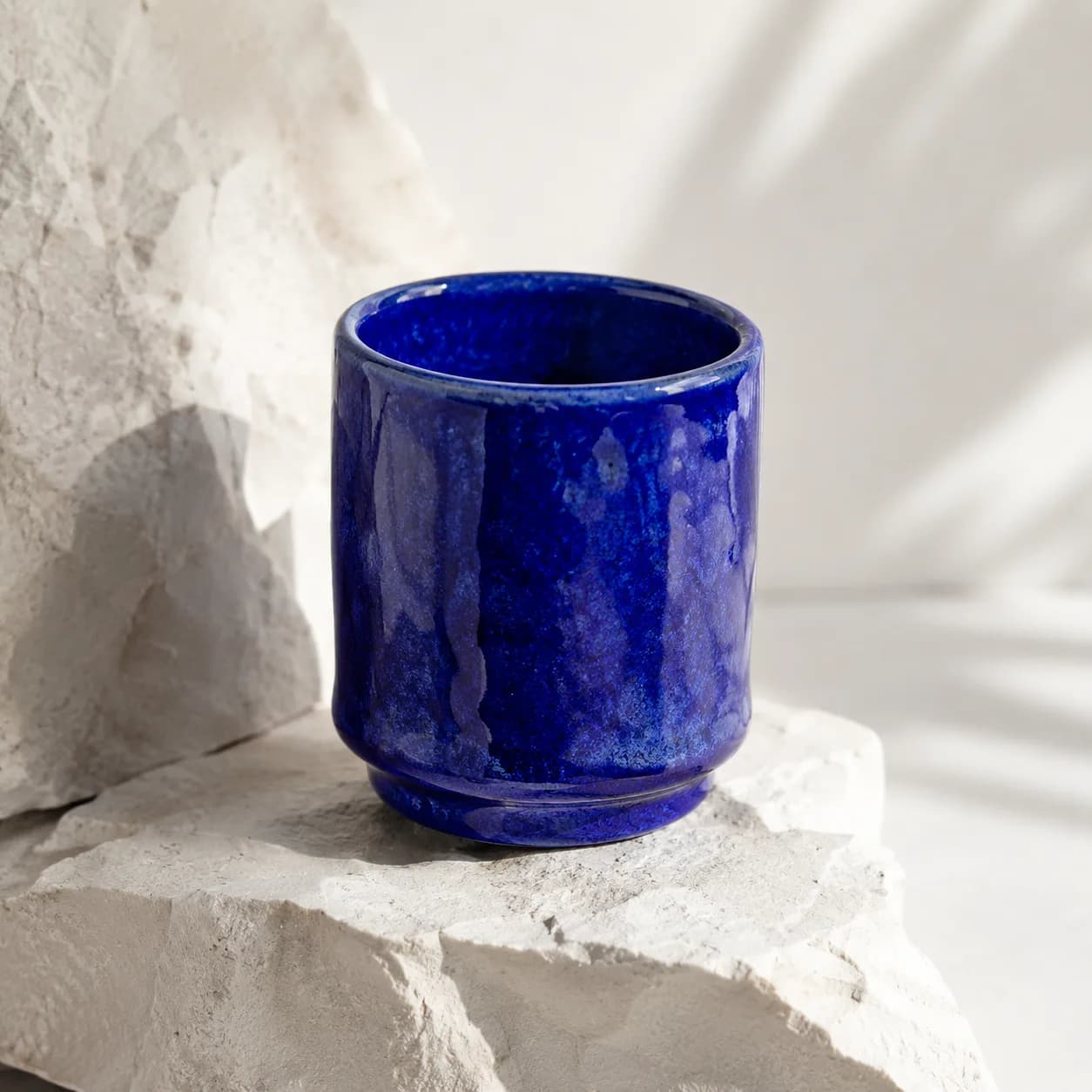
Provider-verified production output
Public brief summary: a controlled studio composition used to verify provider submission and image output handling; the complete acceptance prompt remains private.
- Verified
- 2026-08-17T07:17:08.283Z
- Settings
- text-to-image workflow · 1:1 · 1K
- Result
- Provider task succeeded with one image output during the documented production acceptance.
01
GPT Image 2 prompt structure before the examples
Start with the asset type and primary subject. Continue with the subject’s action or state, then define framing and spatial relationships. Add lighting, palette, surfaces, and medium. Finish with exact copy, preservation rules, exclusions, and the quality checks that determine whether the result can move forward.
Put high-priority constraints near the information they govern. If a reference controls product identity, state the preservation rule beside that reference instruction. If negative space is required for a headline, connect it to the selected frame. This creates a hierarchy instead of asking the model to weigh every phrase equally.
02
Adapt examples without destroying the hierarchy
Change one layer at a time. Swap the subject while preserving the composition to test a campaign system, or change lighting while preserving identity to explore mood. Replacing subject, camera, material, palette, and style simultaneously may produce an attractive image but gives little information about which direction caused the improvement.
For reference edits, add a preservation sentence before the requested change. For typography, provide the exact words in quotation marks and describe location, scale, contrast, and type character. Generated text still needs human review, especially when the image contains a price, legal statement, product claim, or public-facing brand name.
03
Diagnose prompt failures by category
If the subject is wrong, simplify the opening and remove competing objects. If composition is wrong, describe camera and spatial placement rather than adding style. If a reference drifts, strengthen the protected attributes and remove conflicting files. If typography fails, shorten the copy, increase visual separation, and plan a design-layer replacement when exactness is mandatory.
Use the saved CreateForge result to compare each revision. Keep the selected ratio and resolution stable while testing prompt language. Once the image meets the brief, switch settings only for a clear delivery reason and review the new file again at full size.
04
Run a production review before publishing
Check object count, hands and faces, product geometry, reflections, small labels, text, background continuity, shadows, edge artifacts, and the intended crop. Confirm that references were used lawfully and that the output does not introduce a misleading endorsement, unsafe instruction, or unsupported factual claim.
Treat the prompt and output as project evidence. Record the model, controls, quote, and final prompt with the approved Library asset. This makes later adaptations more efficient and helps another reviewer understand why the selected image passed while visually similar alternatives did not.
Prompt library
Adapt these examples to a real brief
Minimal product hero
01Create a premium product hero photograph of [product] centered on pale limestone, three-quarter camera at eye level, soft daylight from camera left, clean warm-gray background, realistic material detail, generous negative space above, no extra objects, no text.
Replace the product and surface while preserving the camera, light, and empty copy area.
Editorial still life
02Create an editorial still life featuring [three objects] arranged in a low triangular composition on brushed steel, hard morning light creating long precise shadows, restrained red, white, and charcoal palette, tactile realistic surfaces, landscape magazine crop, no lettering.
Use a fixed object count and spatial shape so composition can be reviewed objectively.
Campaign poster with copy
03Design a vertical campaign poster for [event], one bold central image of [subject], deep black background, high-contrast rim light, leave a clean title zone at the top, set the exact headline “[HEADLINE]” once in large condensed sans-serif type, no other words or logos.
Generated copy must be checked and may need replacement in a design tool before release.
Packaging concept
04Visualize a packaging concept for [product category]: rigid rectangular carton, [brand color] uncoated paper, subtle embossed mark, front and side visible in a three-quarter studio view, soft shadow on off-white sweep, accurate folds and edges, no invented certification labels.
Name protected dimensions or reference the approved package when geometry must remain exact.
Lifestyle product scene
05Create a believable lifestyle image of [product] being used by [person description] in [location], candid three-quarter framing, natural window light, product remains clearly visible and correctly proportioned, quiet background activity, documentary color, no brand substitutions or added text.
Keep the action and location specific enough to avoid a generic stock-image composition.
Character portrait
06Create a waist-up editorial portrait of [character], looking just past camera, calm expression, textured [wardrobe], soft key light and narrow rim light, muted teal wall, 85mm portrait perspective, realistic skin texture, uncluttered frame, no text.
For identity-sensitive work, add a lawful reference and state the facial features that must remain.
Architectural interior
07Create a wide interior visualization of [space], camera at seated eye level, clear circulation path, late-afternoon light entering from the right, [material list], realistic scale, restrained furnishings, no impossible structural spans, leave the foreground open for editorial copy.
List only materials that materially affect the space and avoid competing style labels.
Food editorial
08Create an overhead food editorial of [dish] on a matte ceramic plate, ingredients arranged naturally rather than perfectly, hard side light with crisp shadows, linen and one utensil as supporting props, accurate texture and steam, square crop, no writing or packaging.
Ask for believable preparation details and review repeated ingredients or unnatural surfaces.
Reference background replacement
09Use the supplied product image as the identity reference. Preserve the exact product silhouette, camera angle, visible label placement, and primary color. Replace only the background with a dark wet-stone set, add a soft reflection and cool backlight, keep all product text unchanged and reviewable.
The final sentence separates protected source properties from the requested environmental edit.
Material variation
10Use the supplied object as the geometry reference. Preserve its dimensions, seams, openings, and camera position. Reinterpret only the exterior material as translucent amber glass with realistic thickness, refraction, and caustic light on a neutral studio floor, no extra decoration.
A single bounded change makes it easier to evaluate whether geometry was preserved.
Social carousel cover
11Create a 4:5 social carousel cover about [topic], one visual metaphor of [object relationship], bold color blocking in [palette], simple central composition, leave a high-contrast title zone in the upper third, exact headline “[HEADLINE]”, no small body copy, polished editorial illustration.
Keep copy short and preserve safe space around the title for mobile cropping.
Concept comparison grid
12Create a clean presentation board showing four distinct [product] concepts in an even two-by-two grid, consistent three-quarter camera and scale, white background, each concept varies only in [material or feature], no labels, no perspective mismatch, suitable for an internal design review.
A fixed variation axis keeps the grid useful for decision-making rather than random exploration.
Live catalog data
Current CreateForge model facts
These values are rendered from the production Catalog and generator Blueprint. The protected quote shown in the model workspace remains authoritative for a specific request.
GPT Image 2
OpenAI
- Modes
- Text to Image, Image to Image
- Resolution
- 1K, 2K, 4K
- Aspect ratios
- Auto, 1:1, 3:2, 2:3, 4:3, 3:4, 5:4, 4:5, 16:9, 9:16, 2:1, 1:2, 3:1, 1:3, 21:9, 9:21
- Duration
- Still image
- Input roles
- Reference images: up to 16
- Native audio
- No generated audio control
- Output formats
- Provider default
- Current minimum
- 3 CreateForge credits
- Pricing verified
- 2026-08-28
FAQ
Common questions
How long should a GPT Image 2 prompt be?
Use enough detail to define the deliverable, subject, composition, light, material, and constraints. Remove words that do not change the review decision; ordered detail matters more than length.
Can GPT Image 2 generate text in an image?
It can attempt exact copy when wording, placement, scale, and contrast are explicit, but generated text and public claims must still be checked by a person before publication.
Should I add negative prompts?
Start with positive constraints and an explicit reviewable brief. Add a short exclusion only for a recurring unwanted element, rather than appending a large generic list to every prompt.
Can I reuse these prompts commercially?
You may adapt the examples, but you remain responsible for references, trademarks, claims, permissions, and the final generated output’s lawful use.
Continue in CreateForge
Move from research to the connected workflow.
Open the exact production model, review the current controls and quote, or compare the wider tool catalog before submitting a task.
Related guides
Field guide
Best AI image model: how to choose for real creative work
Find the best AI image model for a real deliverable by comparing reference control, typography, resolution, iteration cost, repeatability, and saved results.
Model guide
How to use GPT Image 2 in CreateForge
A production-focused walkthrough for creating and editing images with GPT Image 2, including references, resolution choices, prompt structure, quoting, and result review.
Prompt library
Nano Banana 2 prompts for image creation and edits
Twelve Nano Banana 2 prompts for product imagery, campaigns, portraits, reference edits, presentation boards, materials, social graphics, and concept work.