Product campaign images
Build studio or lifestyle product compositions with deliberate camera, material, light, and copy space.
OpenAI image creation and editing
Create or edit images with GPT Image 2 using detailed prompts, private references, flexible framing, and resolution-aware protected quotes.
Choose a starting point
01 / 03Text-to-image is appropriate when composition and subject appearance can be invented from a brief. Reference editing is stronger when the source contains a property that must survive, such as product shape, face, camera, pose, or layout.
Reference files do not explain their own purpose. Name each role in the prompt, identify what remains fixed, and define the permitted change. A small coherent reference set usually communicates more clearly than many conflicting images.
Output planning
02 / 03Select an aspect ratio based on the final channel and write a composition designed for it. A vertical image needs a different subject position and depth structure from a wide campaign header; a later crop is not always an equivalent substitute.
Use an appropriate review resolution to prove the concept, then choose a higher delivery setting when fine detail is genuinely required. The protected quote in the generator is authoritative for the selected request.
Production review
03 / 03Compare the saved result with the acceptance list: identity, object count, geometry, text, material, shadow, background continuity, and crop. Generated content can be non-unique or inaccurate even when it is visually polished.
Keep the final prompt and controls with the Library asset. If one property fails, revise that instruction while preserving the parts that already work instead of replacing the entire brief on every attempt.
Production-verified output
Public brief summary: a controlled studio composition used to verify provider submission and image output handling; the complete acceptance prompt remains private.
Provider task succeeded with one image output during the documented production acceptance. This single production acceptance proves the connected task path, not universal quality, prompt accuracy, or repeatability for every image brief.
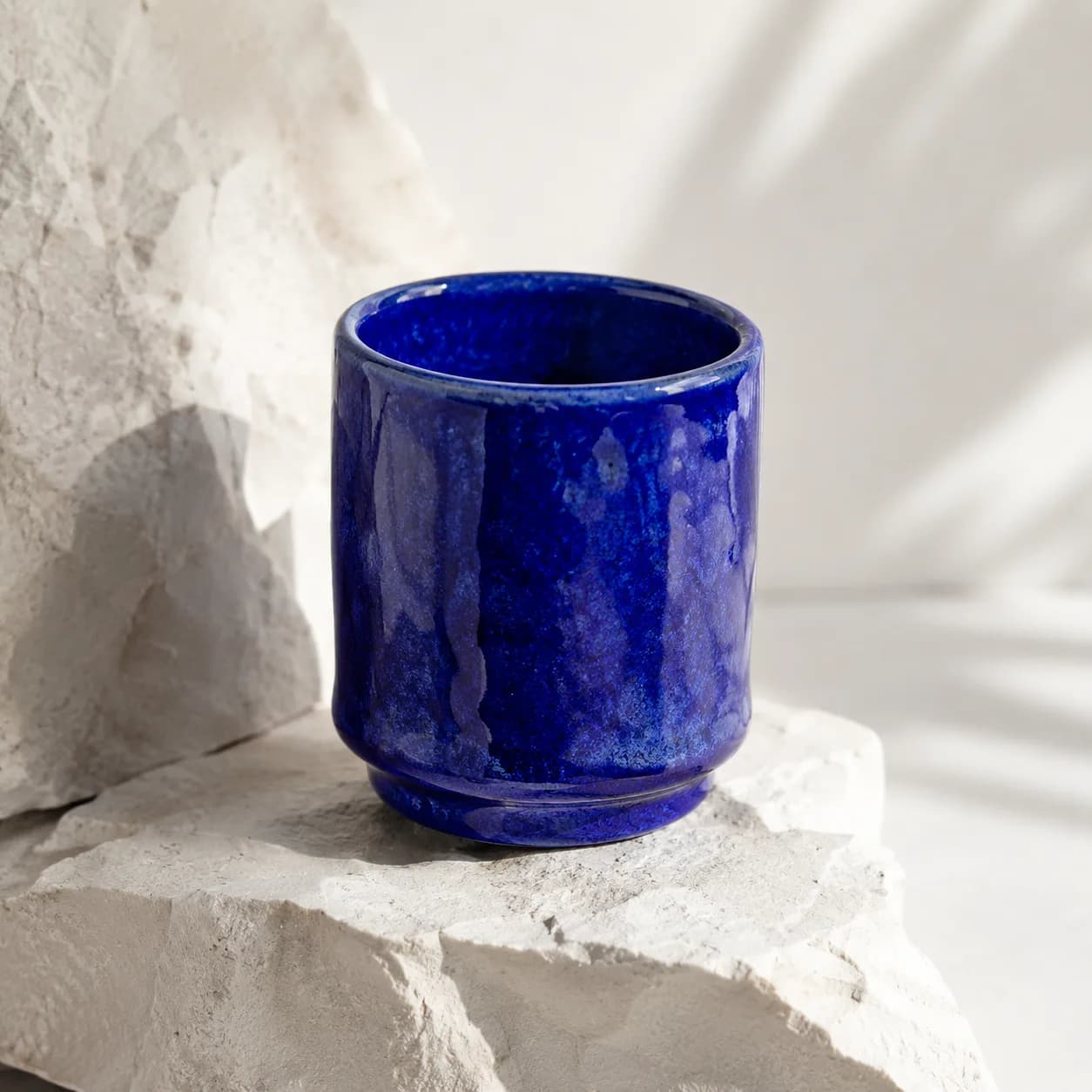
GPT Image 2 supports both new image generation and reference-guided editing in CreateForge. Use text when the model can invent the scene, or add private references when identity, layout, product geometry, or an existing visual must influence the result.
The connected workflow exposes aspect ratio and resolution controls, validates the request on the server, and returns a short-lived quote before generation. Resolution is a production choice that can change cost, so early reviews and final delivery do not need the same setting.
After a successful provider task, eligible output is stored in the authenticated user’s private Library. Review exact text, identity, product details, and factual claims before publishing any generated image.
GPT Image 2 use cases
Build studio or lifestyle product compositions with deliberate camera, material, light, and copy space.
Preserve identity, geometry, or layout while changing environment, material, wardrobe, or visual treatment.
Create covers, portraits, poster imagery, and channel-specific frames from one structured creative brief.
Generation controls
Describe the image to create with GPT Image 2.
Choose the input workflow before adding reference media.
Text to Image · Image to Image
Accepts up to 16 image files.
Choose a supported output frame with visual ratio cards.
Auto · 1:1 · 3:2 · 2:3 · 4:3 · 3:4 · 5:4 · 4:5 · 16:9 · 9:16 · 2:1 · 1:2 · 3:1 · 1:3 · 21:9 · 9:21
Your selected resolution is included in the credit price.
1K · 2K · 4K
Choose how many results to create. Each completed result is saved to your Library.
1 · 2 · 3 · 4
Prompt blueprint
Create a premium studio hero of a cobalt ceramic speaker on pale stone, three-quarter camera, soft daylight from the left, realistic matte texture, warm-gray background, clean headline space on the right, no extra objects or text.
Defines the deliverable, subject, camera, light, material, and copy area in priority order.
Use the supplied chair as the exact geometry and camera reference. Preserve frame, joinery, dimensions, and shadow direction. Change only the upholstery to woven deep-red wool with visible fiber detail, neutral gallery background, no added decoration.
Separates protected source properties from one bounded material change.
Related guides
Field guide
Find the best AI image model for a real deliverable by comparing reference control, typography, resolution, iteration cost, repeatability, and saved results.
Read guideModel guide
A production-focused walkthrough for creating and editing images with GPT Image 2, including references, resolution choices, prompt structure, quoting, and result review.
Read guidePrompt library
Build a GPT Image 2 prompt with 12 practical examples for products, editorial images, typography, portraits, reference edits, and campaign assets.
Read guideGPT Image 2 FAQ