Nano Banana Pro prompts for polished high-resolution images
Twelve Nano Banana Pro prompt examples for detailed product, advertising, editorial, architectural, reference-editing, and high-resolution delivery workflows.
By CreateForge Editorial · Reviewed 2026-08-18
Independent editorial cover. The uncropped provider-verified output and its production context appear below.
Nano Banana Pro prompts should connect high-resolution detail to a real review decision such as material fidelity, typography, product geometry, or reference preservation. Nano Banana Pro prompts benefit from precise art direction and a delivery-aware review plan. Higher-resolution output can make material, edge, typography, and reflection problems more visible, so the prompt should define the details that matter and the reviewer should inspect them rather than assuming resolution equals correctness.
The examples cover both new compositions and reference-guided edits. Use an appropriate resolution for the current stage, keep composition and reference decisions stable during prompt tests, and move to the final delivery setting only after the visual structure has been approved.
Production evidence
Provider-verified output behind this guide
The displayed output comes from the documented production acceptance. Prompt pages provide reusable templates below; they do not claim that every template produced this one evidence image.
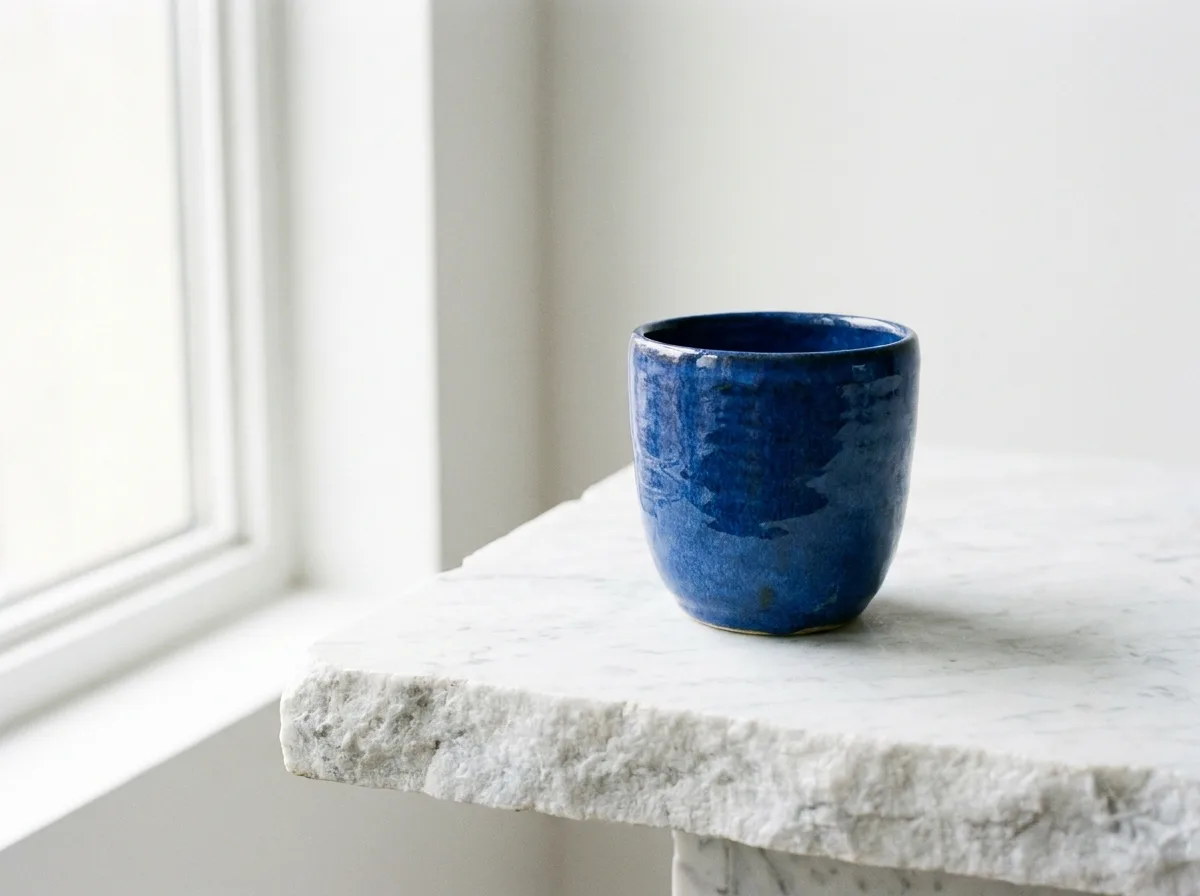
Provider-verified production output
Public brief summary: a controlled studio composition used to verify provider submission and image output handling; the complete acceptance prompt remains private.
- Verified
- 2026-08-17T07:16:35.839Z
- Settings
- text-to-image workflow · 4:3 · 1K · PNG
- Result
- Provider task succeeded with one image output during the documented production acceptance.
01
Nano Banana Pro prompts: plan detail for the delivery
Specify material behavior with physical language: brushed metal follows the object’s curvature, translucent plastic has visible thickness, woven fabric keeps a consistent thread scale. Generic words such as premium or ultra detailed do not define which small features make the image convincing at full size.
State edge and surface priorities close to the subject. Product seams, package folds, jewelry settings, hairlines, architectural joins, and printed labels are common failure areas. A prompt can direct attention, but the final asset still needs a person to inspect those details before release.
02
Stage prompt and resolution decisions
Prove the subject, layout, and camera in a review generation before paying for more demanding delivery settings. Keep the same prompt and references when changing resolution so the team can identify whether the larger output preserves the approved direction. If composition changes too, the files are not a clean comparison.
Use the generator’s current quote for the exact request. The model facts panel reads the available resolution and format controls from Catalog, but a short-lived protected quote accounts for the final parameter combination and remains the value that governs submission.
03
Use references as production constraints
Label reference roles and define preservation rules. For a product edit, protect geometry, camera, color, and label placement before requesting a new scene. For portrait art direction, protect identity and expression before changing wardrobe, background, or light. Remove references that create a second competing subject.
When a result drifts, do not automatically add more reference images. First simplify the request and strengthen the critical protected attributes. A smaller reference set and a clearer hierarchy often outperform a large moodboard that asks the model to reconcile incompatible information.
04
Perform full-size quality control
Inspect the saved result for geometry, repeated patterns, reflections, text, fine edges, faces, hands, and surface transitions. View it at delivery size and at full resolution. Confirm that negative space and safe areas still work after any crop or responsive placement used by the final channel.
Generated output may be non-unique or include errors and third-party similarities. Verify claims, marks, people, and protected material. Keep the final prompt and selected controls with the approved Library asset so later derivatives begin from evidence rather than a reconstructed memory of the process.
Prompt library
Adapt these examples to a real brief
Luxury product key art
01Create high-resolution campaign key art for [product], exact three-quarter hero angle, black volcanic glass plinth, controlled warm rim light and cool frontal fill, physically accurate reflections, crisp package edges and readable material texture, dark background with clean headline space on the left, no text.
Inspect edges, reflection continuity, and any existing product marks at full size.
Cosmetics macro
02Create a macro beauty image of [cosmetic product], cap open with one precise swipe of texture beside it, soft diffused key light, luminous skin-tone palette, realistic glass thickness and liquid viscosity, shallow focus that keeps the brand area sharp, no extra containers or copy.
Material properties and focus priority are more useful than a generic luxury adjective.
Automotive studio
03Create a polished studio image of [vehicle description], front three-quarter view, low camera, long softbox reflections following every body panel, charcoal cyclorama, accurate wheel geometry and glass transparency, subtle floor reflection, wide campaign crop, no driver or text.
Vehicle geometry and wheel detail should be reviewed closely in the larger output.
Editorial fashion
04Create a full-length editorial fashion photograph of [subject] wearing [garment], controlled walking pose, medium telephoto perspective, pale concrete architecture, hard side light with clean shadow, visible fabric weave and natural folds, vertical cover crop with title space, no words.
State pose and garment behavior so high resolution serves a clear editorial decision.
Jewelry close-up
05Create a detailed jewelry campaign image of [piece] on [surface], precise stone setting and metal edges, narrow specular highlights, soft black flags reflected in polished surfaces, dark neutral background, macro perspective, no duplicate stones, fingerprints, labels, or text.
Count stones and inspect prongs, reflections, and metal continuity before approval.
Architectural visualization
06Create a high-resolution architectural interior of [space], eye-level camera from the entrance, accurate structural rhythm, [materials], overcast daylight with warm practical lights, realistic furniture scale, clean circulation, detailed joins without visual clutter, landscape presentation crop.
Avoid impossible spans and confirm repeated architecture stays consistent across the frame.
Food packaging campaign
07Use the supplied package as the exact identity and geometry reference. Preserve dimensions, fold lines, visible label placement, and color. Place it in a refined kitchen scene with [ingredient], early-morning window light, grounded shadow, realistic condensation, no added claims or altered text.
A higher-resolution edit makes label drift easier to see, so compare against the reference.
Premium material edit
08Use the supplied object as the geometry reference and preserve every edge, opening, seam, and camera relationship. Change only the main shell to bead-blasted titanium with realistic microtexture, subtle machining marks, and physically consistent highlights, neutral studio background.
One material change creates a clean test of reference fidelity and surface rendering.
Portrait environment change
09Use the supplied portrait for identity, facial proportions, expression, and pose. Replace only wardrobe with a structured [color] jacket and move the subject into a quiet modern gallery, soft skylight, realistic skin detail, no beauty retouching, preserve the original crop.
Review identity first, then wardrobe edges, skin, and background integration.
Landscape campaign scene
10Create a wide cinematic landscape for [campaign theme], one small human figure at the lower-left scale point, layered mineral terrain leading to distant clouds, late low sun, restrained rust, gray, and blue palette, realistic atmospheric perspective, large clean sky area for copy, no text.
A clear scale point and copy area keep the wide composition useful for campaign layout.
Technical concept render
11Create a presentation-quality exploded view of [object], components separated along one clear vertical axis, consistent three-quarter perspective, accurate relative scale, matte neutral materials with one accent color, white background, soft contact shadows, no labels, arrows, or invented parts.
Use the image for concept communication, not as authoritative engineering documentation.
High-resolution poster image
12Create a vertical poster image of [symbolic scene], one central subject surrounded by a controlled ring of [elements], dramatic top light, deep black and electric green palette, crisp silhouettes with subtle print texture, empty lower title zone, no generated words or logos.
Reserve typography for a design layer when exact final copy is required.
Live catalog data
Current CreateForge model facts
These values are rendered from the production Catalog and generator Blueprint. The protected quote shown in the model workspace remains authoritative for a specific request.
Nano Banana Pro
- Modes
- Text to Image, Image to Image
- Resolution
- 1K, 2K, 4K
- Aspect ratios
- Auto, 1:1, 16:9, 9:16, 3:2, 2:3, 4:5, 5:4, 3:4, 4:3, 21:9
- Duration
- Still image
- Input roles
- Reference images: up to 8
- Native audio
- No generated audio control
- Output formats
- png, jpg
- Current minimum
- 8 CreateForge credits
- Pricing verified
- 2026-08-28
FAQ
Common questions
Do Nano Banana Pro prompts need to be longer?
No. They need a clear hierarchy and inspectable detail. Add material, edge, and preservation instructions only when they support the actual delivery requirement.
Should every Nano Banana Pro image use 4K?
No. Validate composition and subject at an appropriate review setting, then move to a higher setting when the direction is approved and the delivery needs it.
How do references change the prompt?
Identify each reference role, list protected properties, and describe a bounded change. Do not expect file order or quantity to communicate that hierarchy automatically.
What should I inspect in a high-resolution result?
Check geometry, fine edges, repeated patterns, material transitions, reflections, faces, hands, small text, existing marks, and whether the final crop preserves required safe space.
Continue in CreateForge
Move from research to the connected workflow.
Open the exact production model, review the current controls and quote, or compare the wider tool catalog before submitting a task.
Related guides
Field guide
Best AI image model: how to choose for real creative work
Find the best AI image model for a real deliverable by comparing reference control, typography, resolution, iteration cost, repeatability, and saved results.
Model guide
How to use Nano Banana Pro for high-resolution image work
A practical Nano Banana Pro guide covering text and reference workflows, prompt hierarchy, resolution planning, output format, quotes, and final quality review.
Model comparison
Nano Banana 2 vs Nano Banana Pro for image work
Compare Nano Banana 2 and Nano Banana Pro by production controls, resolution, references, minimum credits, prompt testing, and the cost of an approved image.