CreateForge

One photo, your music reference

AI Music Video Generator

Create a short AI music video from one adult photo and a 2–15 second music reference with Seedance 2.0. Choose a scene and review the quote; original sound and exact lip sync are not guaranteed.

Create your version

Seedance 2.0

One consenting adult with a clear face and visible shoulders. This photo guides the performer.

JPEG · PNG · WebP · ≤25 MB

Upload a short clip you have permission to use. It guides generation; the original recording, words, voice and exact lip sync are not guaranteed.

MP3 · WAV · 2–15 seconds · up to 15 MB

Choose a music-video scene
Advanced prompt
Settings12s · 720P · 9:16
12s
Aspect Ratio9:16
Resolution

Add a photo and a music clip, then wait for both uploads.

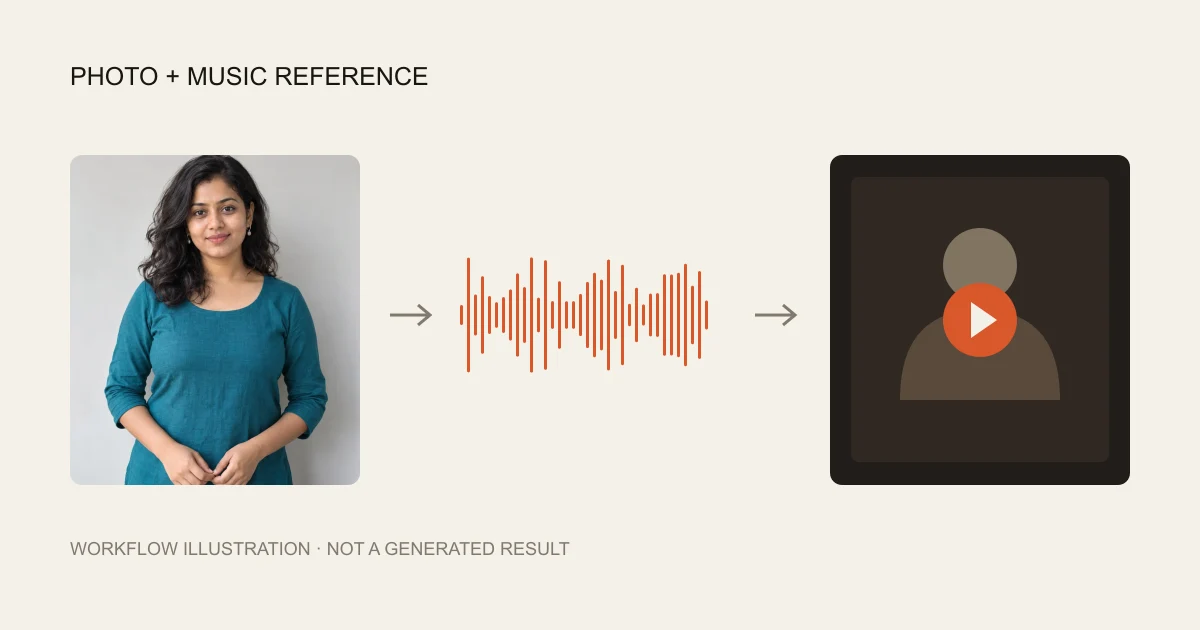
Workflow illustration combining a fictional portrait, music waveform and short video frame
Workflow illustration using an existing fictional portrait, not a generated music-video result.

Prompts to try

Recording studio

Photo guides the performer; music guides rhythm and mood. Follow the selected duration and framing, without promising original audio or exact lip sync.

Image 1 defines one adult performer: preserve their distinct face, age, skin tone, hair and visible clothing, with natural separate hands and no extra people. Audio 1 guides musical rhythm, phrasing, energy and mood. Create one coherent short music performance using the selected output duration and framing, with restrained rhythmic gestures and a gentle camera move. If the reference contains singing, request natural singing motion and mouth movement following its phrasing. If it is instrumental, use rhythmic performance without inventing lyrics or speech. With generated audio enabled, create musical sound guided by the reference; do not request a named artist's voice. With audio disabled, create silent visuals. No captions, logos, random costume changes or unrelated dance routine. Use a warm intimate recording studio, a visible studio microphone, soft amber side light and a calm waist-up composition.

Neon stage

Photo guides the performer; music guides rhythm and mood. Follow the selected duration and framing, without promising original audio or exact lip sync.

Image 1 defines one adult performer: preserve their distinct face, age, skin tone, hair and visible clothing, with natural separate hands and no extra people. Audio 1 guides musical rhythm, phrasing, energy and mood. Create one coherent short music performance using the selected output duration and framing, with restrained rhythmic gestures and a gentle camera move. If the reference contains singing, request natural singing motion and mouth movement following its phrasing. If it is instrumental, use rhythmic performance without inventing lyrics or speech. With generated audio enabled, create musical sound guided by the reference; do not request a named artist's voice. With audio disabled, create silent visuals. No captions, logos, random costume changes or unrelated dance routine. Use a small neon-lit stage with restrained purple and orange light, one performer and no crowd obscuring the face. Keep movements readable.

Cinematic music portrait

Photo guides the performer; music guides rhythm and mood. Follow the selected duration and framing, without promising original audio or exact lip sync.

Image 1 defines one adult performer: preserve their distinct face, age, skin tone, hair and visible clothing, with natural separate hands and no extra people. Audio 1 guides musical rhythm, phrasing, energy and mood. Create one coherent short music performance using the selected output duration and framing, with restrained rhythmic gestures and a gentle camera move. If the reference contains singing, request natural singing motion and mouth movement following its phrasing. If it is instrumental, use rhythmic performance without inventing lyrics or speech. With generated audio enabled, create musical sound guided by the reference; do not request a named artist's voice. With audio disabled, create silent visuals. No captions, logos, random costume changes or unrelated dance routine. Use a quiet cinematic portrait beside a rain-lit window, gentle reflections, soft contrast and expressive but small movements.

  1. 01

    Add your performer and music

    Choose one clear adult portrait and one MP3 or WAV clip lasting 2–15 seconds. Preview the music and wait for both uploads.

  2. 02

    Choose a scene and quote

    Apply a studio, neon or cinematic direction. Adjust supported settings and inspect the current credit quote before generating.

  3. 03

    Listen, inspect and save

    Review the complete video with sound, then download it or find it in Library with its actual credit use.

What does this AI music video generator make?

This tool combines one adult photo and a short music reference into a single generated performance. The photo guides appearance; the audio guides rhythm, phrasing and mood. The default output is 12 seconds, 720P and vertical. You can change supported duration, resolution and framing before reviewing the quote.

It is a short reference-driven workflow, not a full-song editor. It does not analyze a whole album, arrange multiple paid shots, import a streaming link or build a timeline. Choose a focused section of music and one simple scene rather than requesting several unrelated locations in one clip.

Prepare a clear portrait and a short music clip

Use one adult whose face is visible, with even light, readable shoulders and permission to animate their likeness. Avoid a group photo, heavy face filters and hands covering the mouth. The model may invent details outside the original crop; clothing and facial features are references, not a promise of exact preservation.

Music must be a playable MP3 or WAV, 2–15 seconds and no larger than 15 MB. Listen before submitting and choose a recognizable phrase or rhythmic section. A longer song needs trimming outside this page first. The input duration and selected output duration are separate; a short input does not automatically set the video length.

Music reference is different from keeping the original recording

Seedance 2.0 receives the audio as a generation reference. It may reinterpret the melody, words, timing or voice. This page does not paste the source recording back into the finished MP4 and does not provide a dedicated word-perfect lip-sync service. A file containing an audio stream is not proof that it matches your song.

The prompts ask for singing motion when the source includes vocals, and rhythmic performance without added lyrics when it is instrumental. Listen to the complete output. Generated audio is on initially; turning it off requests silent visuals and displays a reminder before submission. No competitor song, artist voice or default reference track is supplied.

Choose a scene without losing your inputs

Recording studio uses intimate amber light and a microphone. Neon stage adds restrained colored light while keeping the performer visible. Cinematic music portrait uses a quiet window scene and small expressive movements. Each is an original editable prompt, not a claim that a specific music video will be reproduced.

Applying or copying a prompt does not create a task. Scene changes preserve your compatible photo, music and supported settings while clearing the old quote. Replacing or removing either file also invalidates the quote. Missing, failed or unfinished uploads block generation instead of falling back to a different workflow.

Credits, retries and result checks

The server provides the current parameter-aware quote. Do not estimate the purchase price from the audio duration or another site's credit system. Both uploads must be ready, and the final submission uses the same prompt and input roles as the quote. A new attempt is always an explicit action, not an automatic repair charge.

Check the face, hands, musical phrasing, sound and mouth movement from start to finish. If the performance is weak, simplify the scene or select a clearer portrait and a focused music excerpt before requesting another quote. This workflow has technical regression coverage with simulated jobs; its illustration is not a tested photo-and-audio generation example.

Credits and saved results

Sign in to upload references and review the current credit quote. Editing a prompt or changing a photo or setting clears the old quote. Generation starts only when you submit; opening this page or choosing a prompt does not spend generation credits.

Review the finished media before sharing. Successful results appear in Library with actual credit use. Result file URLs are public; browsing Library and task history still requires an account. References use temporary uploads, so a page refresh requires selecting photos again.
Common questions

Not in this version. Choose an MP3 or WAV excerpt of 2–15 seconds and up to 15 MB. Trim a longer song before uploading; there is no built-in song editor or link importer.

Not necessarily. The model uses it as a reference and can change the recording, words, voice or timing. This tool does not restore the original track onto the output.

No. The prompt asks for music-led performance, but exact lyrics, pronunciation, likeness and mouth timing can vary. Inspect the whole result before sharing.

Yes. The prompts request rhythmic performance without inventing lyrics when the reference is instrumental. The generated soundtrack can still differ from the source.

No. Templates update the prompt and quote only. You must explicitly click Generate for a task, and neither failures nor uncertain submissions trigger automatic regeneration.

Yes. The server quotes the selected model, settings and references before submission. This page does not promise a free generation or copy another website's credit prices.

References guide appearance, but likeness, hands and motion can vary. Use a clear photo and inspect the result. A completed task is not a guarantee that every creative detail is correct.