Cinematic product motion
Create a controlled product shot with camera movement, lighting continuity, and native sound direction.
Cinematic motion forge
Cinematic text-to-video and first/last-frame generation with model-specific controls and protected quotes.
Shot design
01 / 03Veo 3.1 Quality performs best when the brief describes a continuous shot with a visible beginning and end. Name the subject, one primary action, one camera behavior, the environment, light, pace, and sound source instead of compressing a complete edited story into a single generation.
Use text-to-video when the model may invent the composition. Use frame guidance when an approved image must anchor the opening or destination. Explain the motion between frames and identify the visual properties that must remain stable.
Current controls
02 / 03CreateForge exposes only the controls implemented by the current production Blueprint. The facts and form on this page define the supported mode, frame, orientation, duration behavior, and resolution; provider announcements for other interfaces do not override these values.
Prepare the final prompt and source frames before requesting the protected quote. Video generation is materially more expensive than a single image, so confirm the model, inputs, and shot requirement before submission.
Quality review
03 / 03Watch the result several times with separate questions: subject identity, geometry, motion path, camera continuity, background stability, edge behavior, and sound timing. A provider success means media was delivered, not that every creative requirement has been approved.
CreateForge stores eligible successful video in the private Library after reconciliation. Use the persisted file as the edit source and record the smallest prompt or control change needed for the next attempt so successful parts of the shot remain stable.
Production-verified output
Public brief summary: one controlled continuous shot used to verify provider submission and video output handling; the complete acceptance prompt remains private.
Provider task succeeded with one video output during the documented production acceptance. This single production acceptance proves the connected task path, not universal motion quality, continuity, audio quality, or repeatability for every shot.
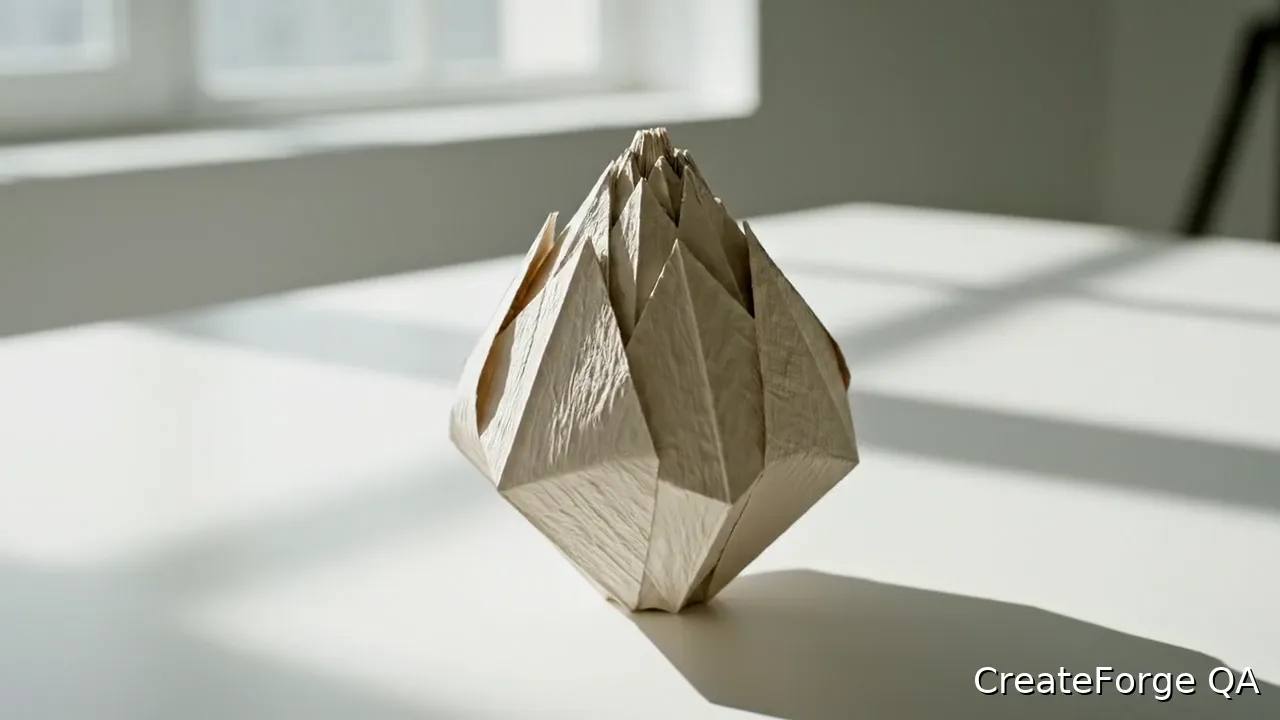
Veo 3.1 Quality controls are implemented for cinematic text-to-video and first/last-frame generation using Kie's dedicated Veo task API.
The current CreateForge adapter uses Kie's base 720p workflow with protected quotes and private result storage.
Veo 3.1 Quality use cases
Create a controlled product shot with camera movement, lighting continuity, and native sound direction.
Describe one scene, one action, and one camera move for a focused video generation.
Build portrait or landscape short-form concepts from text or an opening and closing frame.
Generation controls
Describe the video to create with Veo 3.1 Quality.
Choose the input workflow before adding reference media.
Text to Video · Frames to Video
Accepts up to 1 image file.
Accepts up to 1 image file.
Choose a supported output frame with visual ratio cards.
Auto · 16:9 · 9:16
Your selected resolution is included in the credit price.
720P
Prompt blueprint
A matte black camera rests on a stone plinth as the camera makes one slow clockwise orbit, a narrow warm rim light travels across the body, product proportions remain stable, soft studio ambience, one continuous shot with no cuts or text.
The subject stays still while one camera movement and one light event carry the shot.
Use the supplied portrait as the opening identity and composition. The subject turns slowly toward the window while the camera pushes in slightly, face, hairstyle, and wardrobe remain consistent, soft rain ambience outside, no dialogue or scene change.
State what the frame protects before describing motion and sound.
Related guides
Video guide
Plan and generate a Veo 3.1 shot in CreateForge with text or frame guidance, camera direction, sound intent, protected quotes, and saved video results.
Read guidePricing guide
Learn Veo 3.1 pricing, cost, free limits, model options, and Fast versus Quality tradeoffs before creating AI videos on CreateForge AI.
Read guideModel limits
Learn how long Veo 3.1 videos are in the connected CreateForge workflow, how the fixed duration affects shot planning, credits, motion, audio, and review.
Read guideModel comparison
Compare Veo 3.1 Fast and Quality by live modes, inputs, resolution, duration, audio, protected credit quotes, fair testing, retries, and accepted-result cost.
Read guideVeo 3.1 Quality FAQ