Everyday campaign creation
Generate product, editorial, social, and lifestyle images from a structured written brief.
Google image generation and editing
Create or edit images with Nano Banana using private references, broad aspect-ratio support, production formats, and protected quotes.
Two workflows
01 / 03For a new image, define the deliverable, subject, spatial composition, light, surfaces, palette, and exclusions. For an edit, begin with the source role and protected attributes before describing the transformation.
More references do not automatically provide more control. Use a coherent set and remove any image that competes for identity, style, or layout without contributing a necessary constraint.
Output controls
02 / 03Select the final aspect ratio in the interface and describe a composition built for it. If the new frame differs from a reference, tell the model where to extend or crop the scene.
Choose the available output format for the next workflow, then request the protected quote. The base, Pro, 2, and Lite models have separate production costs and should not be compared by name alone.
Approval
03 / 03Review source fidelity before style, then inspect geometry, object count, text, material, shadows, and crop. A polished result may still fail the practical requirement when an identity or product detail changes.
Use the saved Library file for approval. Preserve successful prompt layers and change one category at a time so each paid attempt provides useful information.
Production-verified output
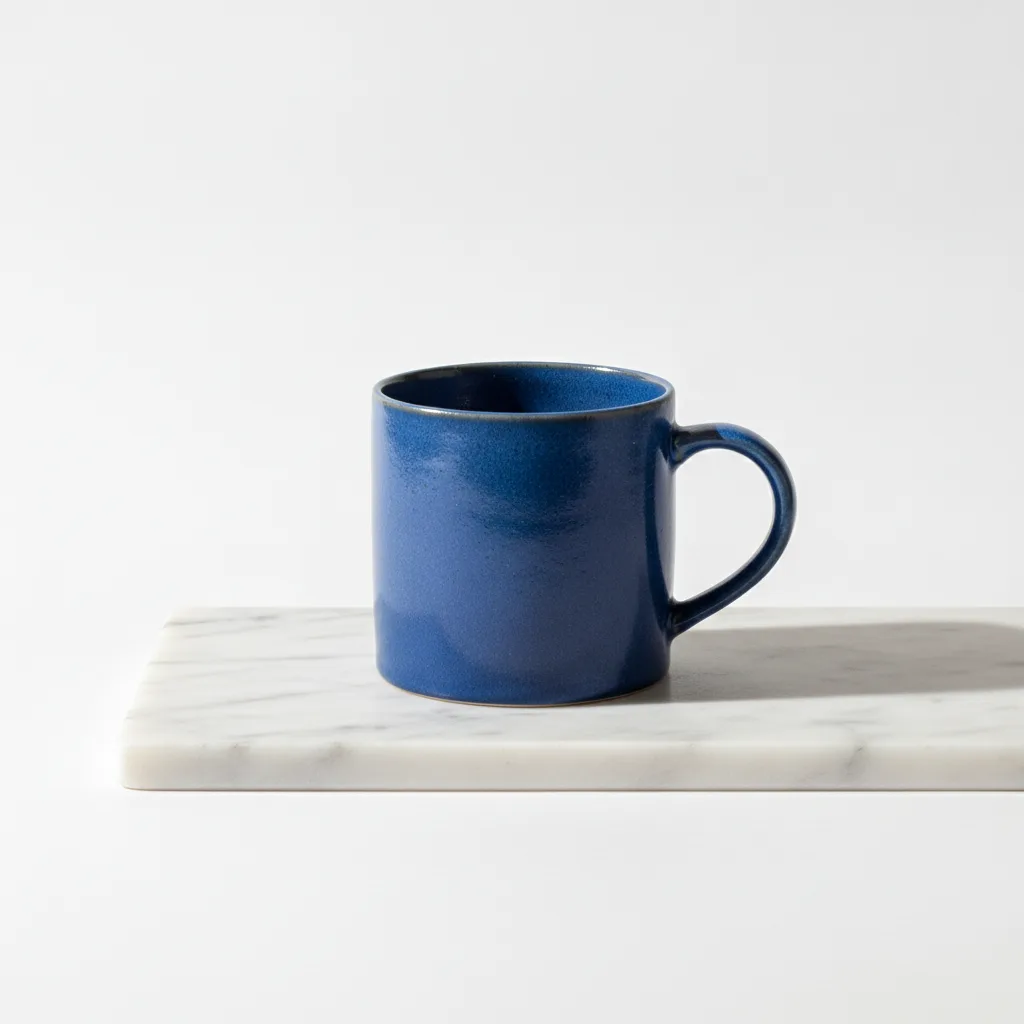
Public brief summary: a controlled studio composition used to verify provider submission and image output handling; the complete acceptance prompt remains private.
Provider task succeeded with one image output during the documented production acceptance. This single production acceptance proves the connected task path, not universal quality, prompt accuracy, or repeatability for every image brief.
Nano Banana is the base model in a broader CreateForge family that also includes Pro, 2, and 2 Lite. Its canonical page owns the Nano Banana AI image generator intent and exposes only this adapter’s current controls.
Use text for a new scene or private references for a bounded edit. Describe what stays recognizable, what changes, and how the final image fits the selected frame before requesting a quote.
CreateForge tracks the task and persists eligible successful output to the private Library. Review generated text, identity, claims, and source rights before publication.
Nano Banana use cases
Generate product, editorial, social, and lifestyle images from a structured written brief.
Restyle a lawful source, replace a background, or test a material while protecting important source features.
Compose work for square, portrait, landscape, and vertical placements from the intended canvas.
Generation controls
Describe the image to create with Nano Banana.
Choose the input workflow before adding reference media.
Text to Image · Image to Image
Accepts up to 10 image files.
Choose a supported output frame with visual ratio cards.
Auto · 1:1 · 16:9 · 9:16 · 3:2 · 2:3 · 4:5 · 5:4 · 3:4 · 4:3 · 21:9
Choose how many results to create. Each completed result is saved to your Library.
1 · 2 · 3 · 4
Prompt blueprint
Create a square marketplace image of a matte white desk lamp centered on a light-gray studio sweep, slightly elevated camera, soft natural shadow, accurate proportions, no hands, props, badges, text, borders, or duplicate products.
A strict commercial frame and exclusion list keep the subject inspectable at small size.
Use the supplied bottle as the exact identity and camera reference. Preserve silhouette, color, label position, and proportions. Replace only the background with a dark wet-stone set, add a grounded reflection and cool backlight, no new text or accessories.
Separates the protected product from one environmental transformation.
Related guides
Model guide
Learn a repeatable Nano Banana workflow for creating new images, editing references, choosing aspect ratios, reviewing outputs, and saving successful work.
Read guideWorkflow
Use Nano Banana image editing with private references, explicit preservation rules, supported output controls, protected quotes, and a saved-result review workflow.
Read guidePrompt library
Twelve Nano Banana prompts for products, portraits, social visuals, restyling, background replacement, material edits, and reference-guided image work.
Read guidePricing guide
Learn Nano Banana cost, pricing, free limits, expected credits, and how to compare alternatives before creating images on CreateForge AI.
Read guideNano Banana FAQ