Nano Banana image editing with private references
Use Nano Banana image editing with private references, explicit preservation rules, supported output controls, protected quotes, and a saved-result review workflow.
By CreateForge Editorial · Reviewed 2026-08-18
Independent editorial cover. The uncropped provider-verified output and its production context appear below.
Nano Banana image editing works best when the prompt names the exact properties an uploaded source protects and limits the requested transformation to a reviewable change. Image-to-image work begins with a source that already carries useful information: identity, composition, product geometry, color, typography, or style. Nano Banana can transform that source, but a reference alone does not explain which information is protected. The edit prompt must define what remains and what is allowed to change.
CreateForge keeps the source upload private, validates it for the selected workflow, and requests a parameter-aware quote before generation. This guide concentrates on reference preparation, edit boundaries, review, and iteration so the result can be evaluated as a controlled transformation rather than an unrelated new image.
Production evidence
Provider-verified output behind this guide
The displayed output comes from the documented production acceptance. Prompt pages provide reusable templates below; they do not claim that every template produced this one evidence image.
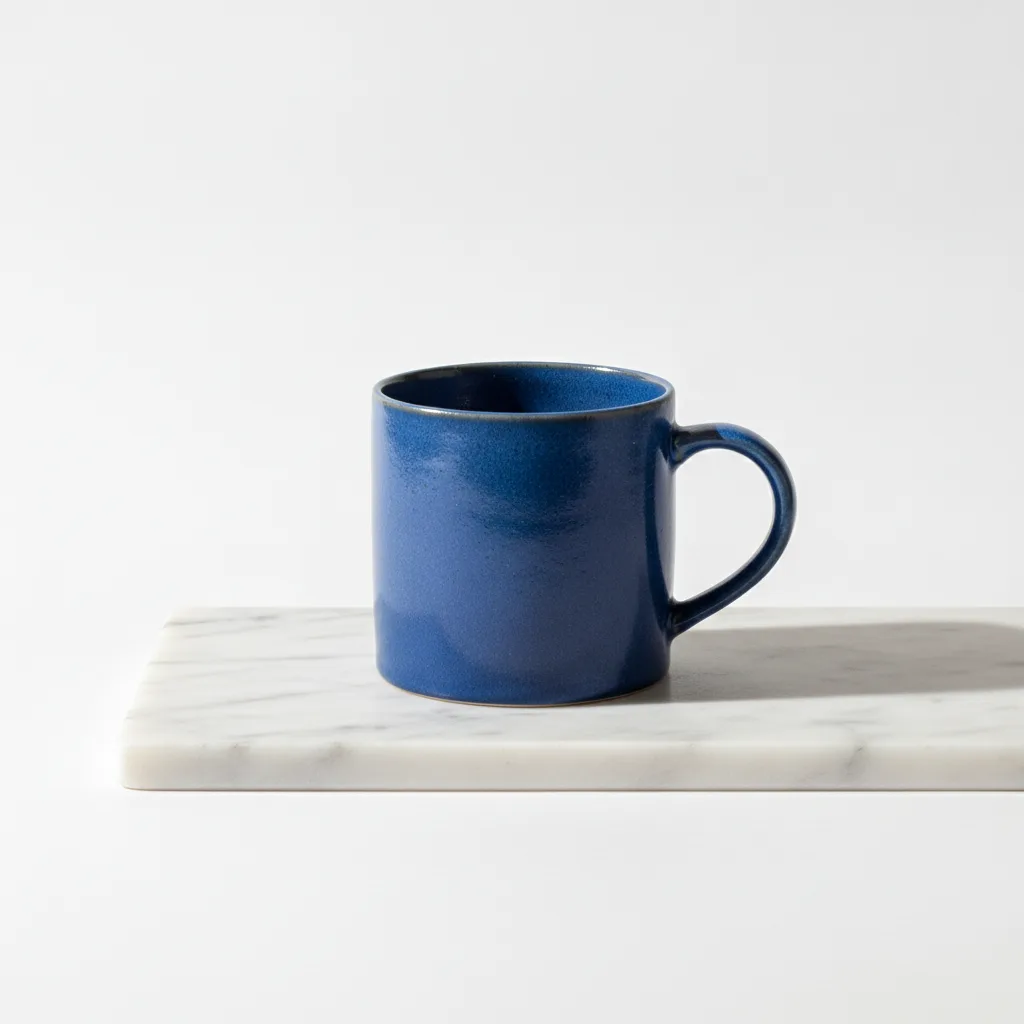
Provider-verified production output
Public brief summary: a controlled studio composition used to verify provider submission and image output handling; the complete acceptance prompt remains private.
- Verified
- 2026-08-17T07:16:16.280Z
- Settings
- text-to-image workflow · 1:1 · PNG
- Result
- Provider task succeeded with one image output during the documented production acceptance.
01
Nano Banana image editing: define what must stay fixed
Use the highest-quality source reasonably available, with the important subject unobstructed and large enough to inspect. Crop away browser controls, borders, watermarks you do not own, and unrelated objects that may be interpreted as part of the edit. If the source already has the desired framing, select an output ratio that respects it.
When several references are necessary, assign distinct roles. One image may define the subject, another the material finish, and another the color system. Avoid supplying multiple competing identity images or several unrelated style examples. The model needs a hierarchy, and the prompt should state that hierarchy explicitly.
02
Separate preservation rules from changes
Begin the instruction with what must remain: product silhouette, face, camera angle, layout, logo position, or another protected property. Follow with the requested change: replace the background, adjust the season, alter a material, add controlled lighting, or translate the scene into a new medium. This structure makes the review criteria visible before generation.
Be cautious with phrases such as exactly the same. AI output should be reviewed for identity and legal requirements, and small variations may remain. If exact typography or a regulated claim matters, plan a downstream design check rather than assuming a generated pixel is authoritative.
- Write the protected identity, geometry, and composition requirements before style changes.
- Describe allowed changes as a bounded edit instead of asking for a general improvement.
- Use a downstream design review for exact text, claims, and legally sensitive details.
03
Choose the frame, format, and quote
Select the target aspect ratio according to the final placement. If the output differs from the source ratio, tell Nano Banana how to extend or crop the composition and where new space should appear. Choose the available format for the next stage, then request the protected quote after all reference files and controls are final.
The model page displays the current input limits and output options from the production Catalog. Use those controls instead of assuming the limits from another Nano Banana version. The base model, Pro, Nano Banana 2, and Lite variants have separate adapters, and their names are not interchangeable in a production request.
04
Compare the result to the source
Review preservation rules before judging style. Compare silhouette, proportions, facial structure, viewpoint, layout, and protected colors. Then inspect the requested change for seams, shadow consistency, reflections, perspective, and whether new objects interact naturally with the unchanged subject.
Use the result stored in the private Library as the review file. If one protected property drifted, strengthen that rule without rewriting successful styling. If the source itself caused ambiguity, improve the crop or replace the reference. This creates a traceable edit loop instead of repeatedly asking the model to try again.
05
Create a reference hierarchy before editing
When several references are necessary, decide which source governs identity, composition, material, palette, and style. Do not assume the model will infer that hierarchy from upload order alone. Describe the primary source first, state the attributes that cannot change, and then explain the narrow contribution of each secondary image. If two references disagree on face, product shape, camera angle, or light direction, remove the weaker source or explain the intended conflict explicitly.
Judge an edit by preservation and change separately. First verify that protected geometry, identity, logos, and framing survived; then evaluate whether the requested background, material, color, or atmosphere actually changed. This two-pass review prevents a dramatic but destructive image from being mistaken for a successful edit. Save the accepted result and the reference-role note together so later variants can preserve the approved structure without reconstructing the original intent.
06
Review the boundary of the requested edit
Compare the accepted candidate with the primary source using a checklist, not only a side-by-side impression. Mark every protected property as preserved, changed, or uncertain. Pay special attention to details near the edited region, where texture, shadows, logos, and edges can drift even when the main requested change looks convincing.
If the edit boundary is too broad, revise the instruction to name both the allowed change and the areas that must remain untouched. Do not keep adding style words to solve a preservation failure. A narrower transformation and a cleaner reference hierarchy usually provide more useful evidence than a longer but less structured prompt.
Live catalog data
Current CreateForge model facts
These values are rendered from the production Catalog and generator Blueprint. The protected quote shown in the model workspace remains authoritative for a specific request.
Nano Banana
- Modes
- Text to Image, Image to Image
- Resolution
- Fixed
- Aspect ratios
- Auto, 1:1, 16:9, 9:16, 3:2, 2:3, 4:5, 5:4, 3:4, 4:3, 21:9
- Duration
- Still image
- Input roles
- Reference images: up to 10
- Native audio
- No generated audio control
- Output formats
- png, jpeg
- Current minimum
- 3 CreateForge credits
- Pricing verified
- 2026-08-28
FAQ
Common questions
Can Nano Banana edit an existing image?
Yes. Upload the image through the private reference workflow and explain which elements must remain, what should change, and how the final composition should be framed.
Should I use several references?
Only when each reference has a distinct purpose. A small set with explicit roles is usually clearer than many images that contain competing identities or styles.
Can Nano Banana preserve text exactly?
Generated text and regulated claims require human review. State exact wording and placement, but plan a downstream design check before publishing the asset.
How are reference images handled?
CreateForge uses an authenticated upload flow and temporary provider access for generation. Successful output is persisted separately in the user’s private Library.
Continue in CreateForge
Move from research to the connected workflow.
Open the exact production model, review the current controls and quote, or compare the wider tool catalog before submitting a task.
Related guides
Model guide
How to use Nano Banana for image generation and editing
Learn a repeatable Nano Banana workflow for creating new images, editing references, choosing aspect ratios, reviewing outputs, and saving successful work.
Pricing guide
Nano Banana Cost: pricing, free limits, and alternatives
Learn Nano Banana cost, pricing, free limits, expected credits, and how to compare alternatives before creating images on CreateForge AI.
Prompt library
Nano Banana prompts for generation and image editing
Twelve Nano Banana prompts for products, portraits, social visuals, restyling, background replacement, material edits, and reference-guided image work.