Fast concept rounds
Explore campaign, product, social, and editorial directions with a clear frame and acceptance goal.
Seedream 5.0 Lite image workflow
Use Seedream 5.0 Lite for flexible image generation and edits with private references, three quality modes, and production format controls.
Workload fit
01 / 03Seedream 5.0 Lite has a canonical page, production adapter, and quote. Choose it when its connected controls and tested output fit the project, not because the Lite name implies a universal shortcut or identical Pro result.
Run one practical brief through candidate models and compare accepted output, attempts, credits, and repair time. That evidence is more useful than a family-level hierarchy when selecting a production model.
Quality modes
02 / 03The connected Lite workflow exposes basic, high, and ultra. Keep the prompt, references, frame, and review criteria unchanged when comparing them so the team can attribute differences to the selected mode.
A higher setting should serve a delivery need. Prove subject, composition, and reference fidelity before increasing quality, then request a new protected quote for the final parameter combination.
Output review
03 / 03Check the output against source identity, object count, geometry, text, materials, shadows, and crop. Generated polish does not replace a review of factual and legally sensitive details.
Use the private Library asset for side-by-side comparison. Record the smallest change needed for another attempt and keep the selected model visible so Lite output is not confused with Pro.
Production-verified output
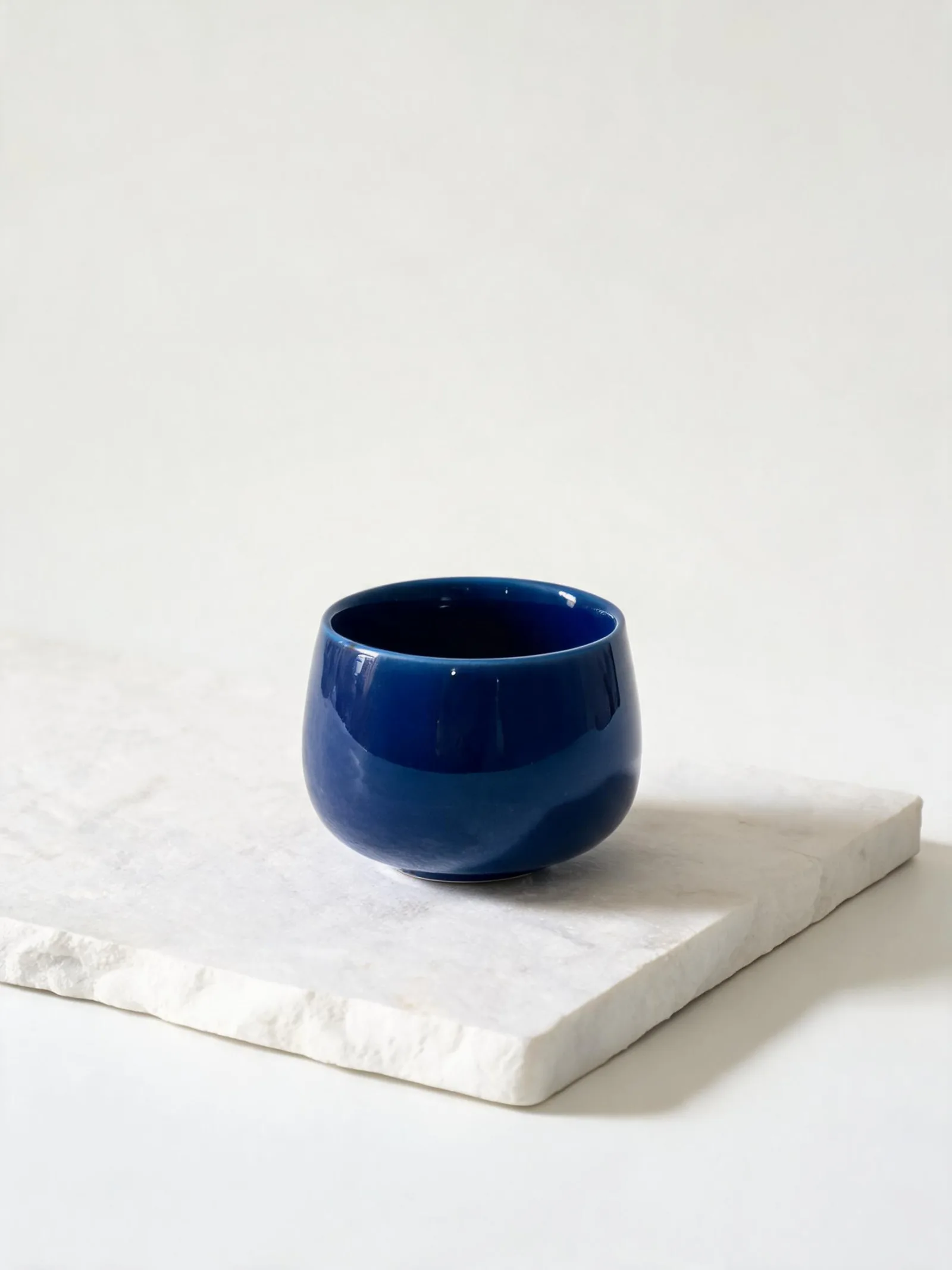
Public brief summary: a controlled studio composition used to verify provider submission and image output handling; the complete acceptance prompt remains private.
Provider task succeeded with one image output during the documented production acceptance. This single production acceptance proves the connected task path, not universal quality, prompt accuracy, or repeatability for every image brief.
Seedream 5.0 Lite is a separate production model, not a lower-resolution URL variant of Pro. It supports text and reference workflows with its own quality options, input limits, current minimum, and protected quote.
Use Lite for a defined workload and compare accepted results rather than model names. A lower minimum can be valuable during iteration, but effective cost depends on how many attempts and repairs the deliverable requires.
CreateForge validates supported controls and saves eligible successful output to the private Library after provider and storage reconciliation.
Seedream 5.0 Lite use cases
Explore campaign, product, social, and editorial directions with a clear frame and acceptance goal.
Carry forward identity or geometry while testing a controlled material, color, or environment change.
Compare current quality options with the same brief before selecting a delivery path.
Generation controls
Describe the image to create with Seedream 5.0 Lite.
Choose the input workflow before adding reference media.
Text to Image · Image to Image
Accepts up to 14 image files.
Choose a supported output frame with visual ratio cards.
1:1 · 4:3 · 3:4 · 16:9 · 9:16 · 2:3 · 3:2 · 21:9
Choose how many results to create. Each completed result is saved to your Library.
1 · 2 · 3 · 4
Prompt blueprint
Create a vertical social image of a compact red speaker balanced on a pale geometric plinth, direct flash with crisp shadow, playful but realistic composition, simple blue background, clean upper title space, no extra products or generated text.
A fixed object count and frame make the concept easy to review.
Use the supplied package as the geometry and layout reference. Preserve folds, camera, logo position, and type areas. Change only the palette to deep green, ivory, and signal orange with a restrained geometric pattern, no new claims or words.
Protects package structure while allowing one visual-system change.
Seedream 5.0 Lite FAQ