Campaign concepts
Develop product, fashion, editorial, and social compositions with a defined frame and art direction.
ByteDance image generation and editing
Generate or edit polished images with Seedream 4.5 using private references, production aspect ratios, and basic or high quality controls.
Input strategy
01 / 03Text-to-image gives Seedream 4.5 freedom to invent the subject and scene. Reference editing constrains the request with existing identity, geometry, palette, or layout. Choose the mode according to what the reviewer must recognize in the result.
Prepare clean references and explain their roles. Avoid supplying several images that compete for identity or style, and remove interface borders or unrelated background details that should not enter the generation.
Quality control
02 / 03The current adapter exposes basic and high quality. Prove composition, subject, and edit boundaries before increasing demands. A higher quality setting cannot repair a prompt whose priorities or reference roles are unclear.
Select aspect ratio and quality before quoting. The server validates the exact request, and the protected quote remains the current cost source rather than a static number copied into page prose.
Review and storage
03 / 03Check protected source features before style: face, product silhouette, camera, layout, colors, and text. Then inspect shadows, material transitions, repeated textures, and the crop at delivery size.
Successful eligible output is persisted in the private Library. Use that file for approval and record one targeted correction for the next attempt so the useful baseline remains intact.
Production-verified output
Public brief summary: a controlled studio composition used to verify provider submission and image output handling; the complete acceptance prompt remains private.
Provider task succeeded with one image output during the documented production acceptance. This single production acceptance proves the connected task path, not universal quality, prompt accuracy, or repeatability for every image brief.
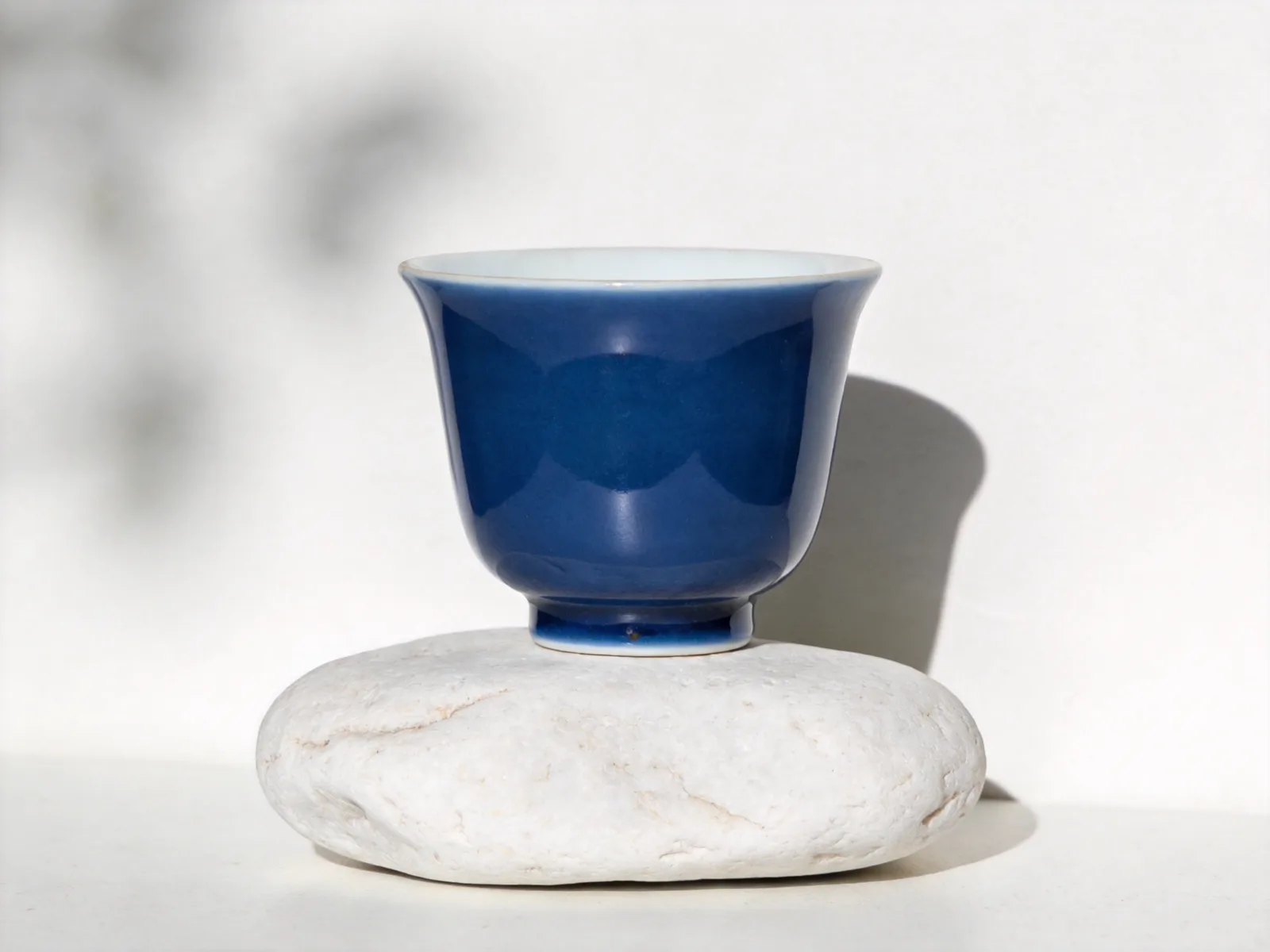
Seedream 4.5 is connected for text-led image generation and private reference editing. The model page exposes the current production frame and quality choices instead of treating every provider feature as available by default.
Use a clear subject and composition for new images. For edits, identify what the reference protects and what may change. Quality should be selected for the current production stage before requesting the protected quote.
CreateForge tracks the task through completion and stores eligible output in the private Library. The generated result still requires review for identity, text, geometry, and rights before public use.
Seedream 4.5 use cases
Develop product, fashion, editorial, and social compositions with a defined frame and art direction.
Preserve an approved subject or layout while exploring a new environment, palette, or material treatment.
Create controlled concept imagery for internal review before physical production or detailed retouching.
Generation controls
Describe the image to create with Seedream 4.5.
Choose the input workflow before adding reference media.
Text to Image · Image to Image
Accepts up to 14 image files.
Choose a supported output frame with visual ratio cards.
1:1 · 4:3 · 3:4 · 16:9 · 9:16 · 2:3 · 3:2 · 21:9
Choose how many results to create. Each completed result is saved to your Library.
1 · 2 · 3 · 4
Prompt blueprint
Create a wide editorial photograph of a translucent amber bottle on brushed aluminum, low three-quarter camera, hard morning light and crisp shadow, restrained gray and orange palette, open title space above, no extra packaging or text.
Gives Seedream one product, one camera, and a reviewable lighting system.
Use the supplied product as the identity reference. Preserve its silhouette, proportions, visible label position, and camera angle. Replace only the background with a quiet misty-blue studio, grounded soft shadow and cool rim light, no new accessories.
Protects product geometry before describing the environmental change.
Seedream 4.5 FAQ